-min.avif)
.avif)
.png)
There is no use beating around the fact that AI has taken the jobs of designers, product designers, and all the other designers to some extent. Since the launch of Nano Banana Pro, Google has upped its game and has become the most intimidating competitor of OpenAI. With the launch of Nano Banana and Gemini 3, OpenAI has lost its confidence. It’s all about timing. Since Nano Banana has become a powerful image generator, many content creators, e-commerce advertisers, brand builders, startup owners, and people like us are scratching our heads trying to figure out how to use Nano Banana to its full extent. And this tutorial is about one of those ideas.
This tutorial guides you on how to create a 9-image Instagram feed and get a whole page of content from one image that you attach as inspiration. After making the images, we will use them to create a product video using Google Veo 3.1.
In this tutorial, you’ll be able to:
- Access Nano Banana Pro
- Write a prompt describing your product and provide inspiration
- Curate and download the results from Nano Banana Pro
- Access Veo 3.1 and upload the Nano Banana images
- Download and share the video
Let’s dive right into it!
Step 1 - Access Nano Banana Pro
To get started with product visuals, access Google Gemini. Log in to your Google account. However, it is strongly advised to get a paid account. You’d get the ability to write more prompts, and the generated images will be better than the ones you get from a free account.
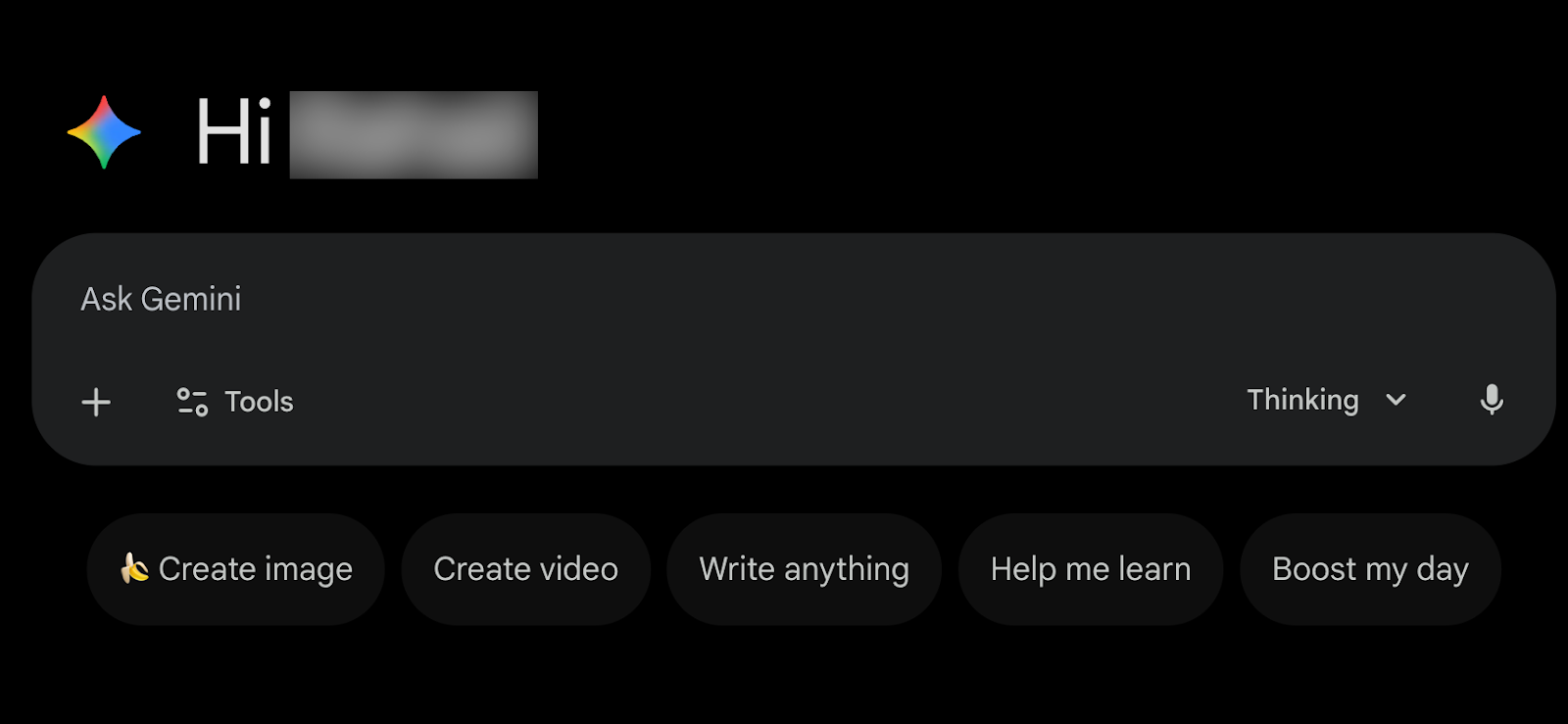
Click the ‘Tools in the chat box and select ‘Create image.’ Also, make sure that the Gemini’s Thinking with 3 Pro mode is selected.
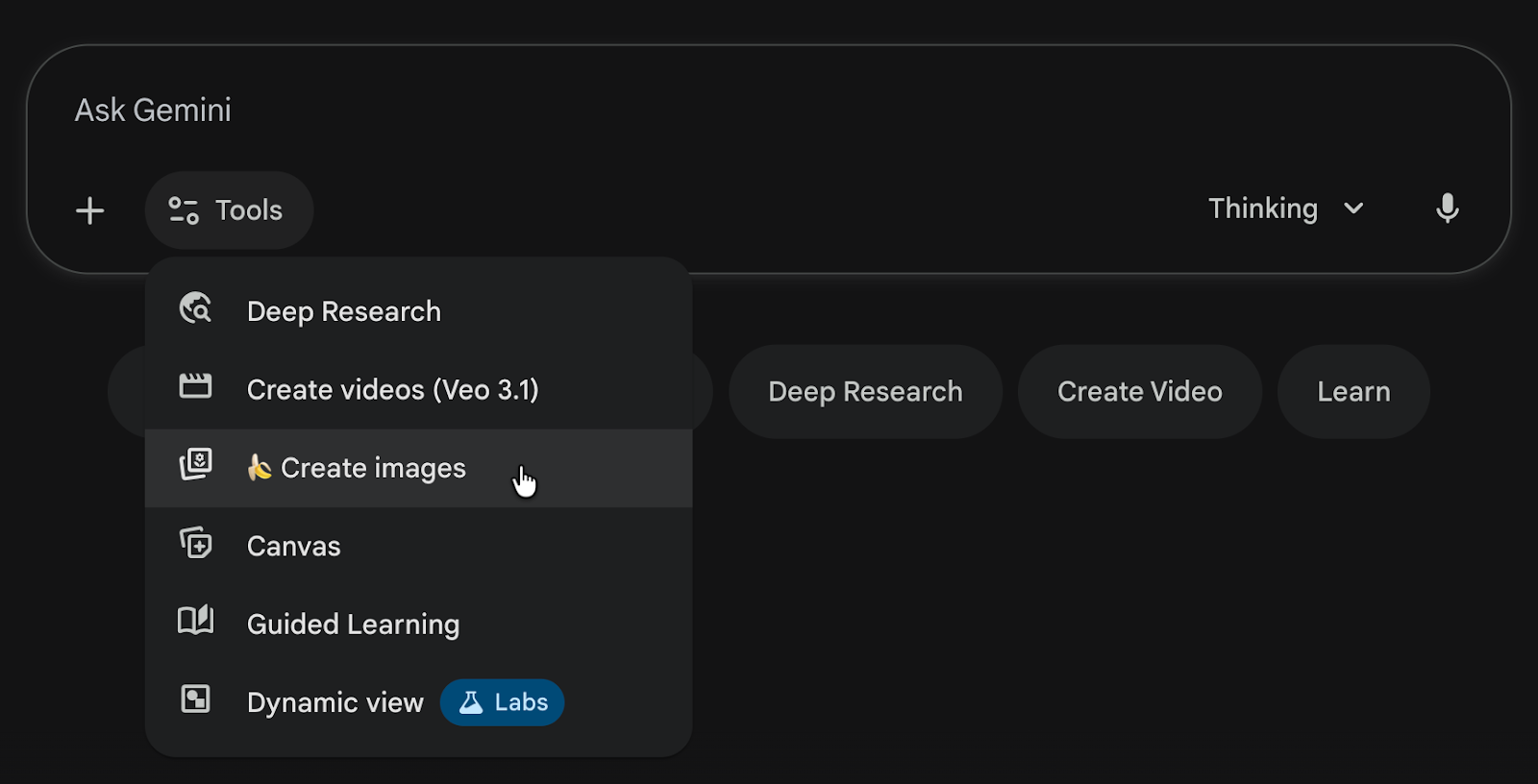
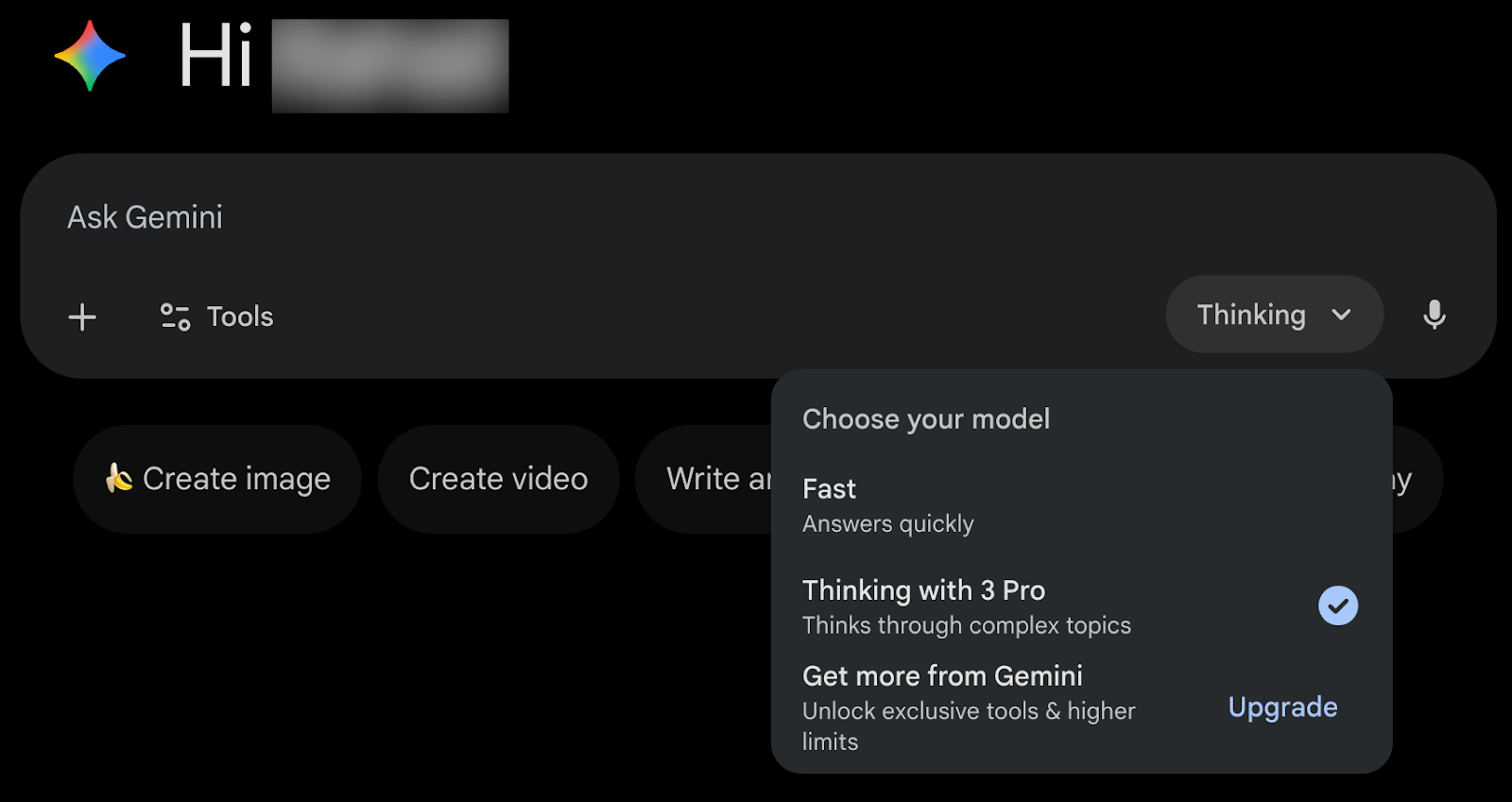
The stage is set. Let’s have some fun!
Step 2 - Write a prompt describing your product and provide inspiration
Once you’re done with the settings, gather one or more reference images of your product. These can be screenshots of ads, brand photos, or any visuals that show the style you want to match.
Let’s say you want to create an ad for a chocolate bar named Techpresso Hazelnut chocolate bar. Find an ad or any visual you like and want to match the style.
Click the ‘+’ button in the chat interface and upload the image.
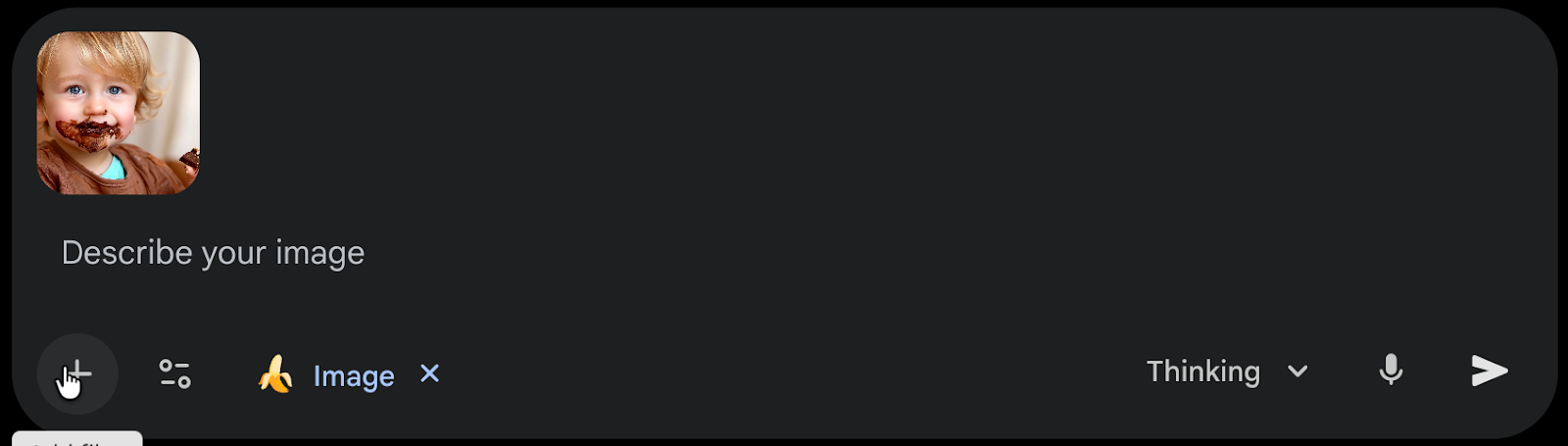
Now, write a detailed description that covers things like the product type, colours, lighting, environment, style, camera angles, and whether you want people or animals in the shot.
Prompt:
Create a 9-image Instagram feed for [describe your product] in the same aesthetic. Use different locations, compositions, angles, and incorporate animals, people, nature, and various environments while maintaining a cohesive visual style.
Example:
Create a 9-image Instagram feed for Techpresso hazelnut chocolate bar in the same aesthetic. Use different locations, compositions, angles, and incorporate animals, people, nature, and various environments while maintaining a cohesive visual style.
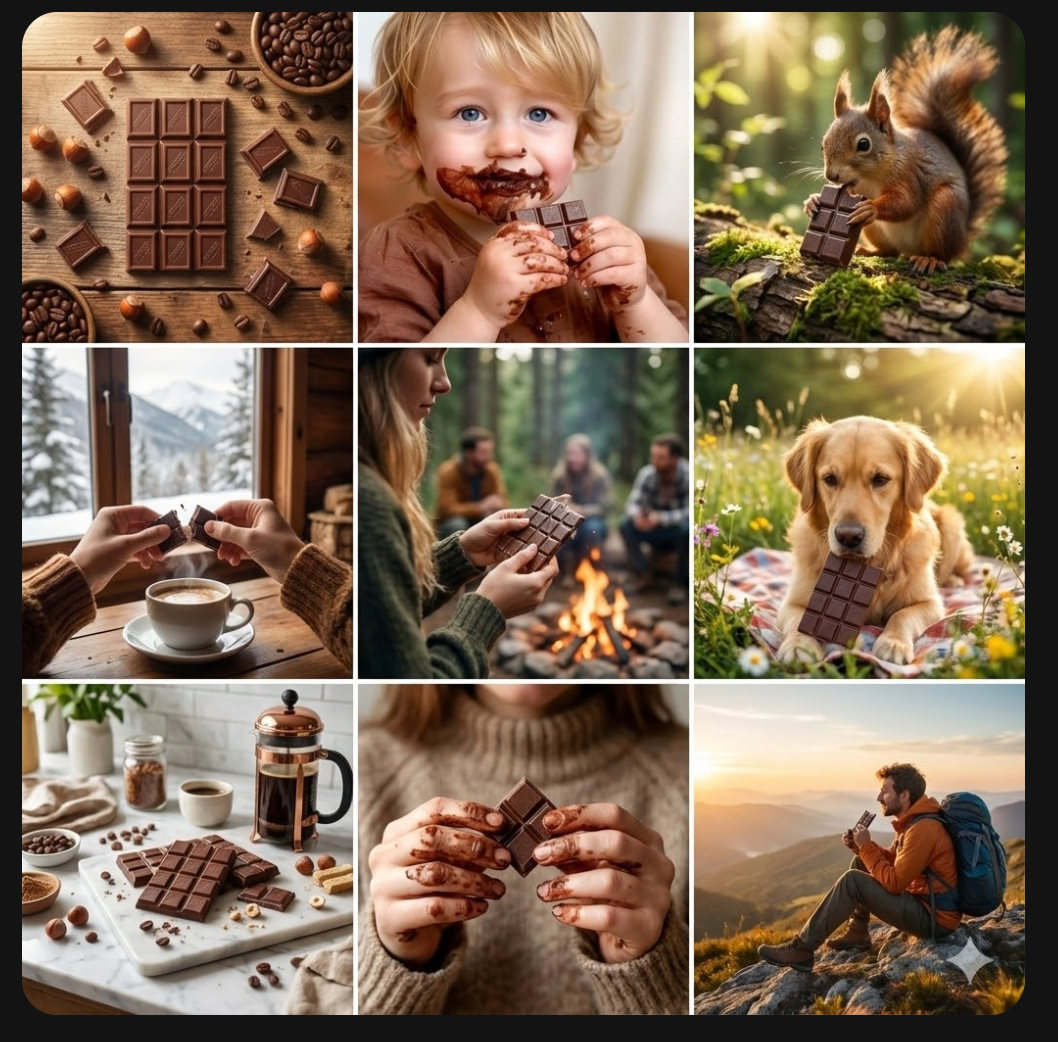
Step 3 - Curate and download the results from Nano Banana Pro
Not bad. But we don’t like the image where Nano Banana has created an AI version of the image we uploaded as inspiration. So we’ll ask it to delete that and generate a better image.
Prompt:
Separate images. And don't use the inspiration image as the output.
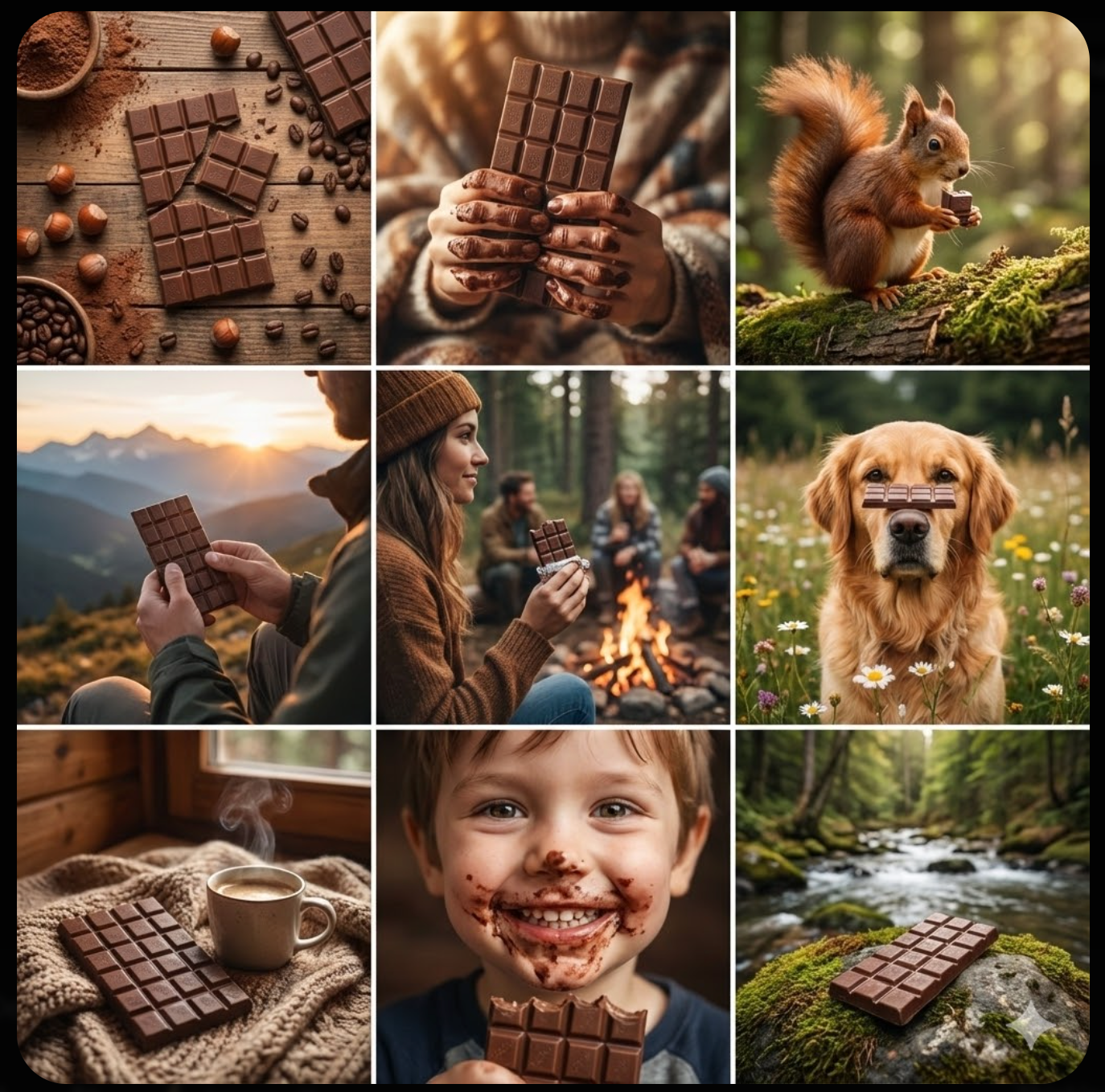
Review the images. Nano Banana has generated a cohesive feed based on the reference style we provided. Let’s say we will recreate the image in position 8 as a standalone.
Prompt
Recreate the image in position 8 as a standalone.
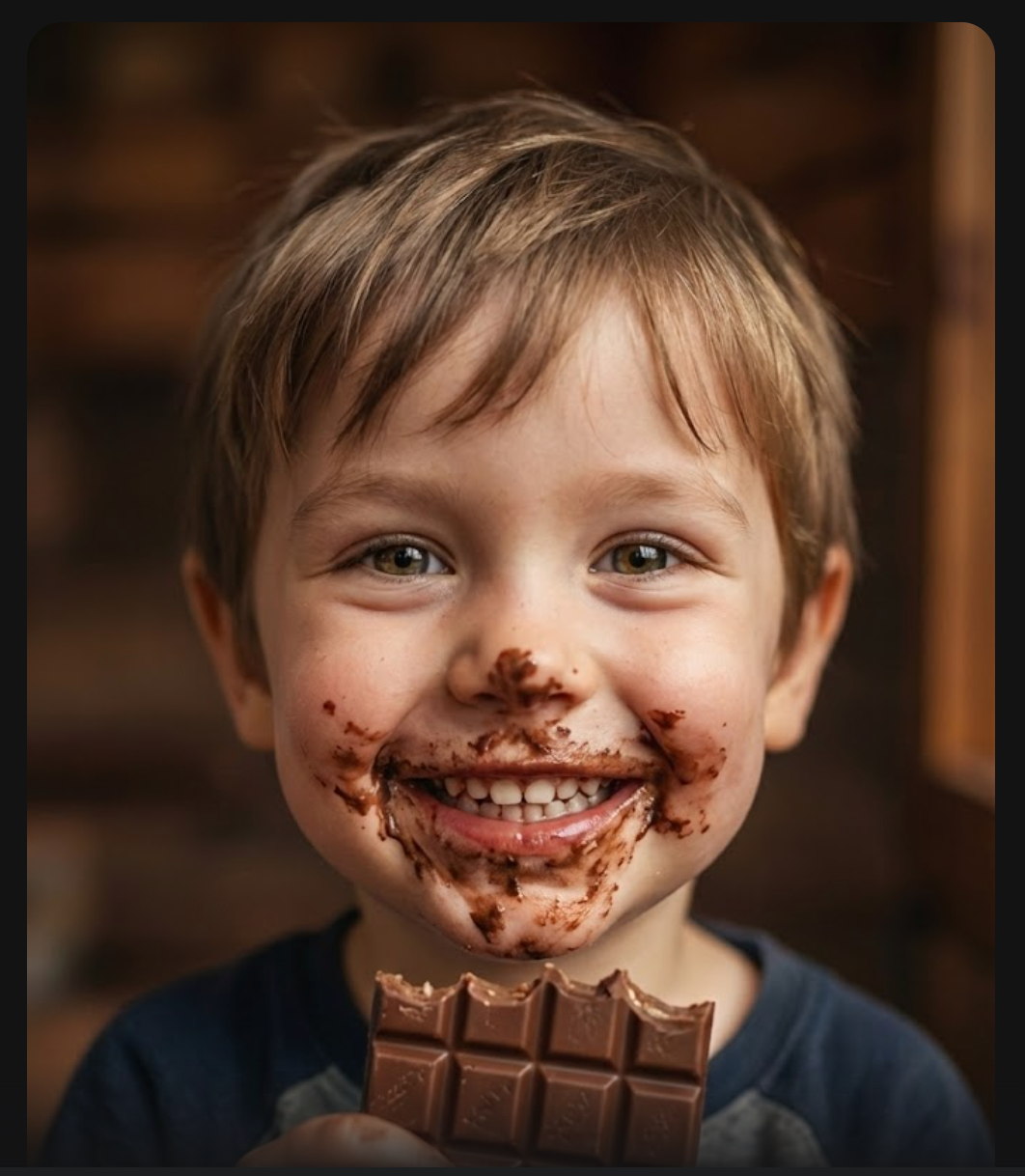
You can pull out any image from the generated collage and save it as a standalone picture for Instagram.
Download the 9-image collage and save it. We will use it to generate a video using Veo 3.1
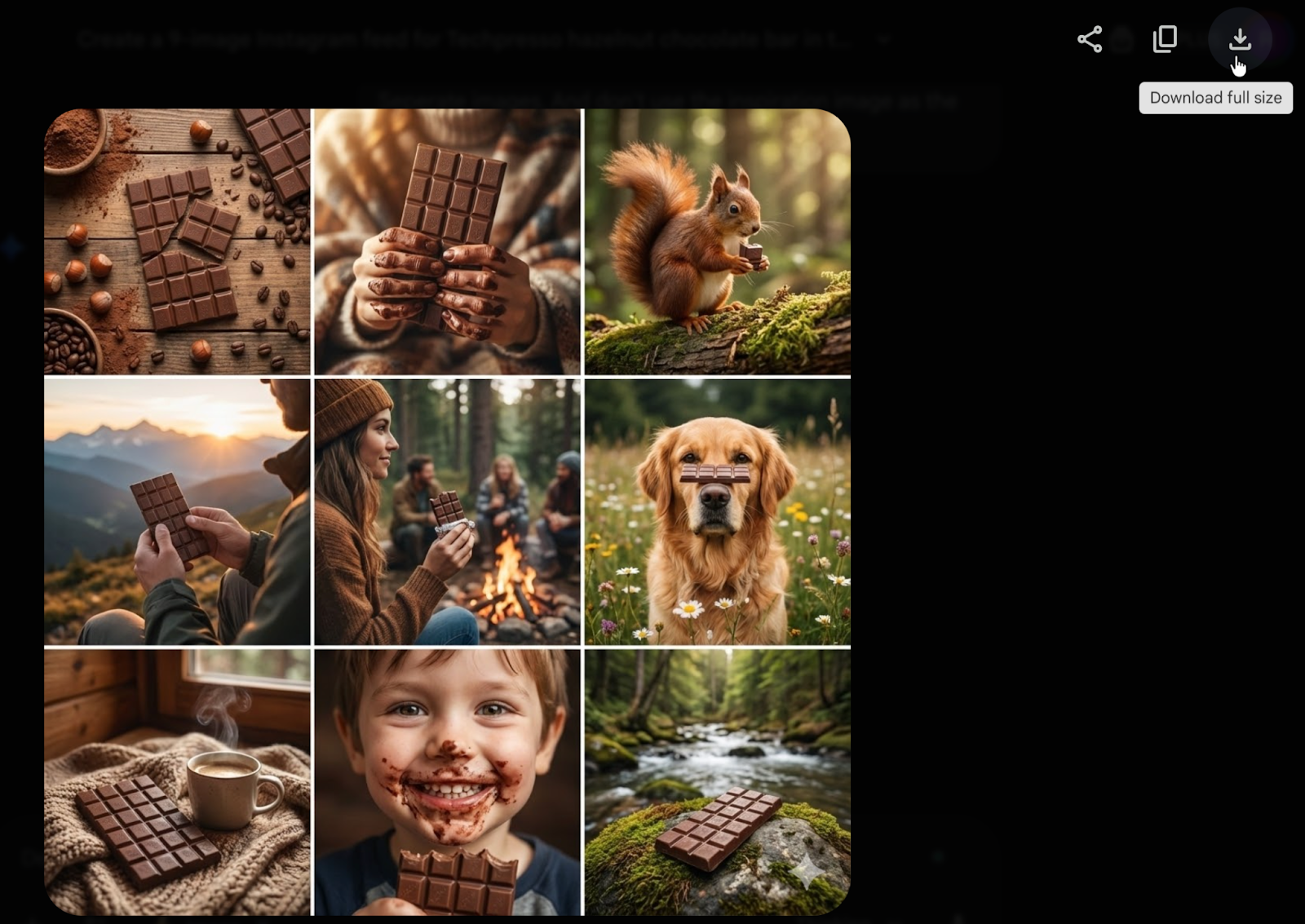
Step 4 - Access Veo 3.1 and upload the Nano Banana images
Now that you’ve downloaded the images, it’s time to create an amazing video out of these with the name of your brand. Click ‘New Chat’ in Gemini and select ‘Veo 3.1 in the tools section of the chat interface.
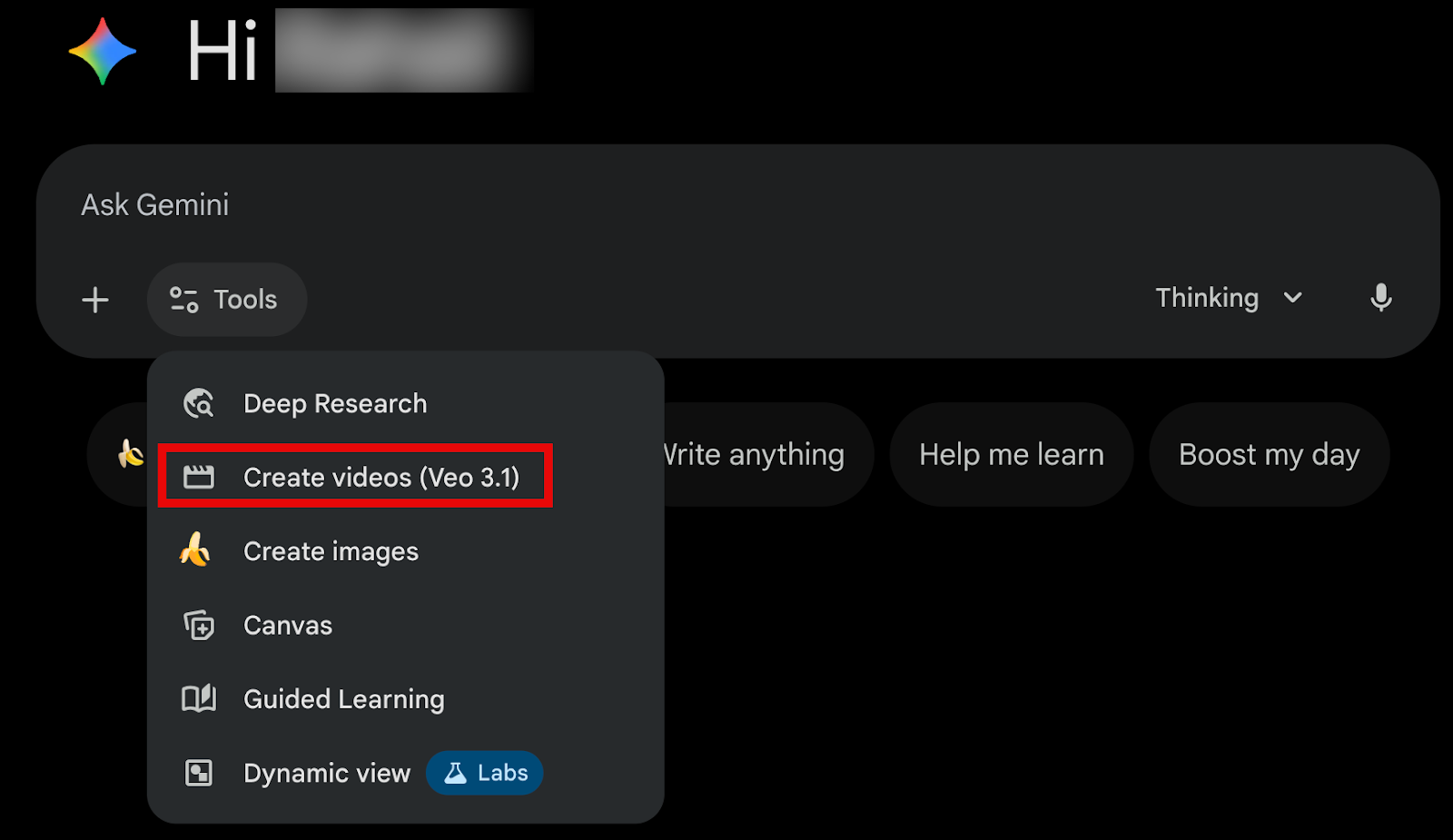
Upload the images first. Click the ‘+’ to attach and upload the Nano Banana Pro images you generated in the previous step.
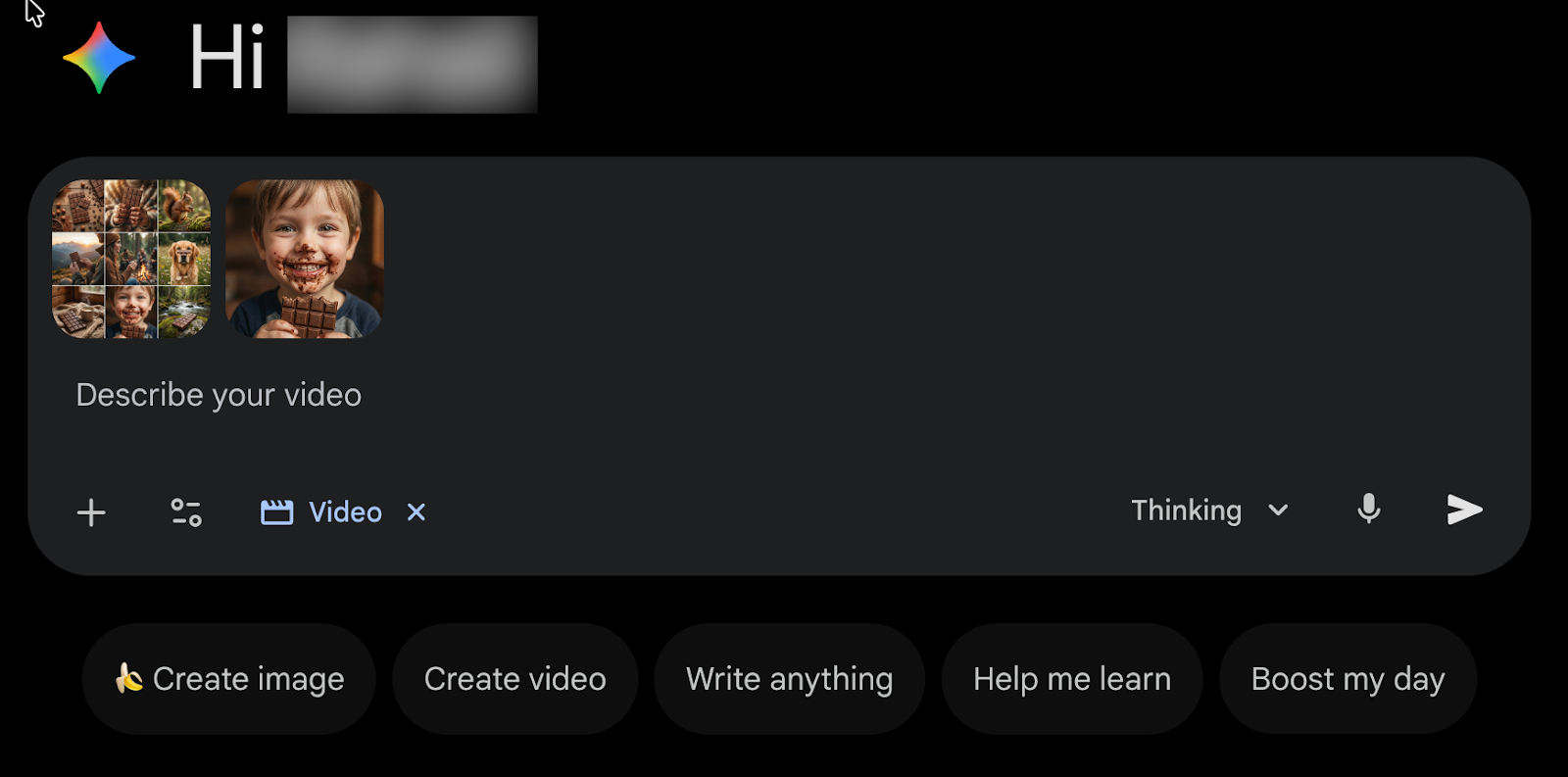
Describe the prompt for your video. Use as many details as possible. Make sure you get the desired results in one go. Veo 3.1 allows you to generate only 2 videos a day with a Plus account subscription.
Prompt:
Create a short advert style video featuring the Techpresso hazelnut chocolate bar. Use the collage as inspiration for color, mood, and product presentation.
Start with a slow forward movement toward the bar with warm, soft lighting that highlights the chocolate and hazelnut texture. Shift to a three quarter angle while the bar rotates gently. Keep the background simple and slightly blurred so the product stays in focus.
Include a close view of the surface details and logo with a smooth, natural camera move. Place the bar on a clean studio surface with subtle reflections. Add a soft overhead light near the end to give the chocolate a warm glow. Finish with a slow pull back, revealing the full bar and packaging: no people or animals.
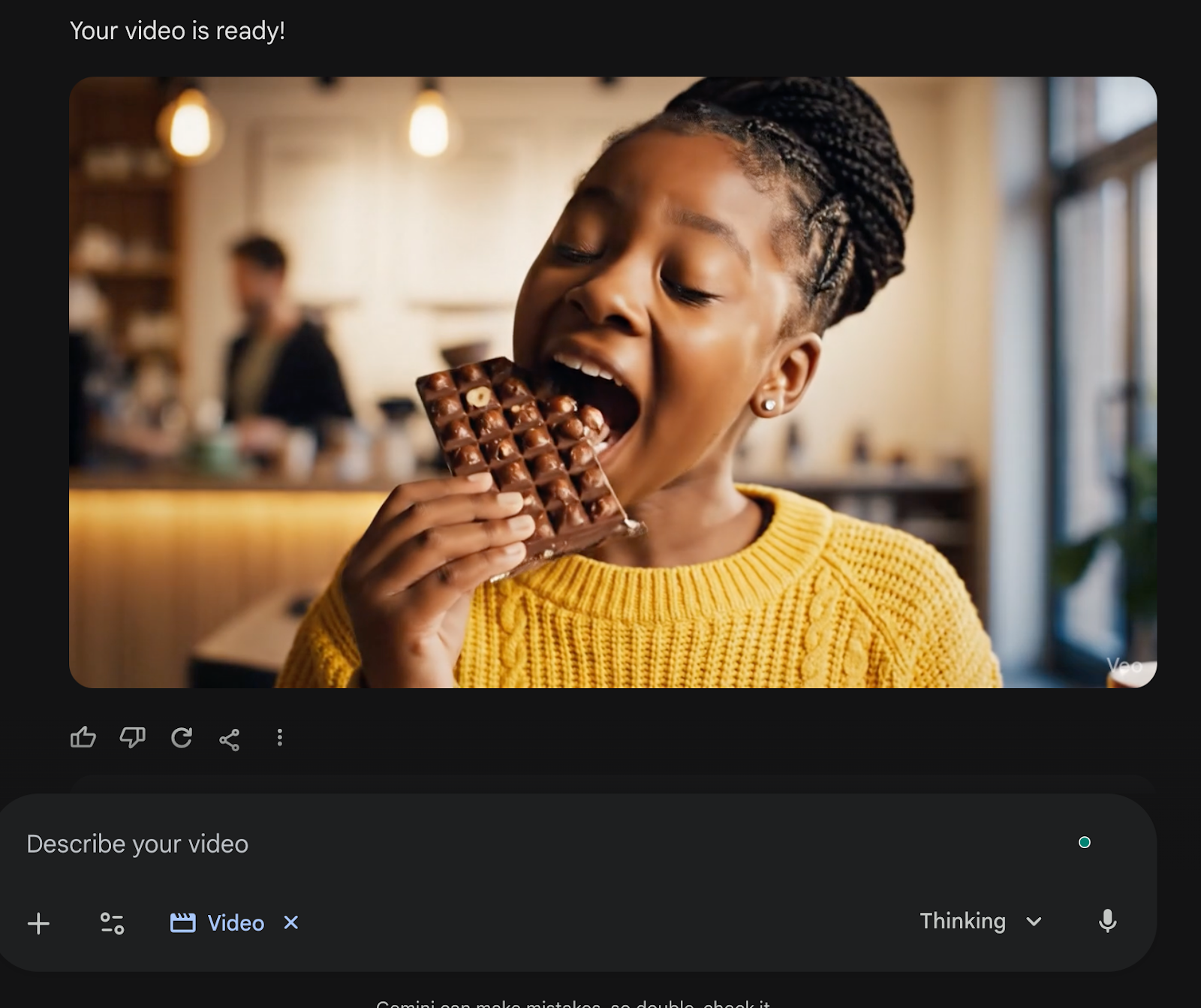
Here’s what Google Veo 3.1 generated.
It’s not perfect, but it can be a good start. Google’s video generation capabilities are not as good as those of other video generation models. You can use different video generators like Freepik or the Hailuo 2.3 video generation model.
Step 5 - Download and share the video
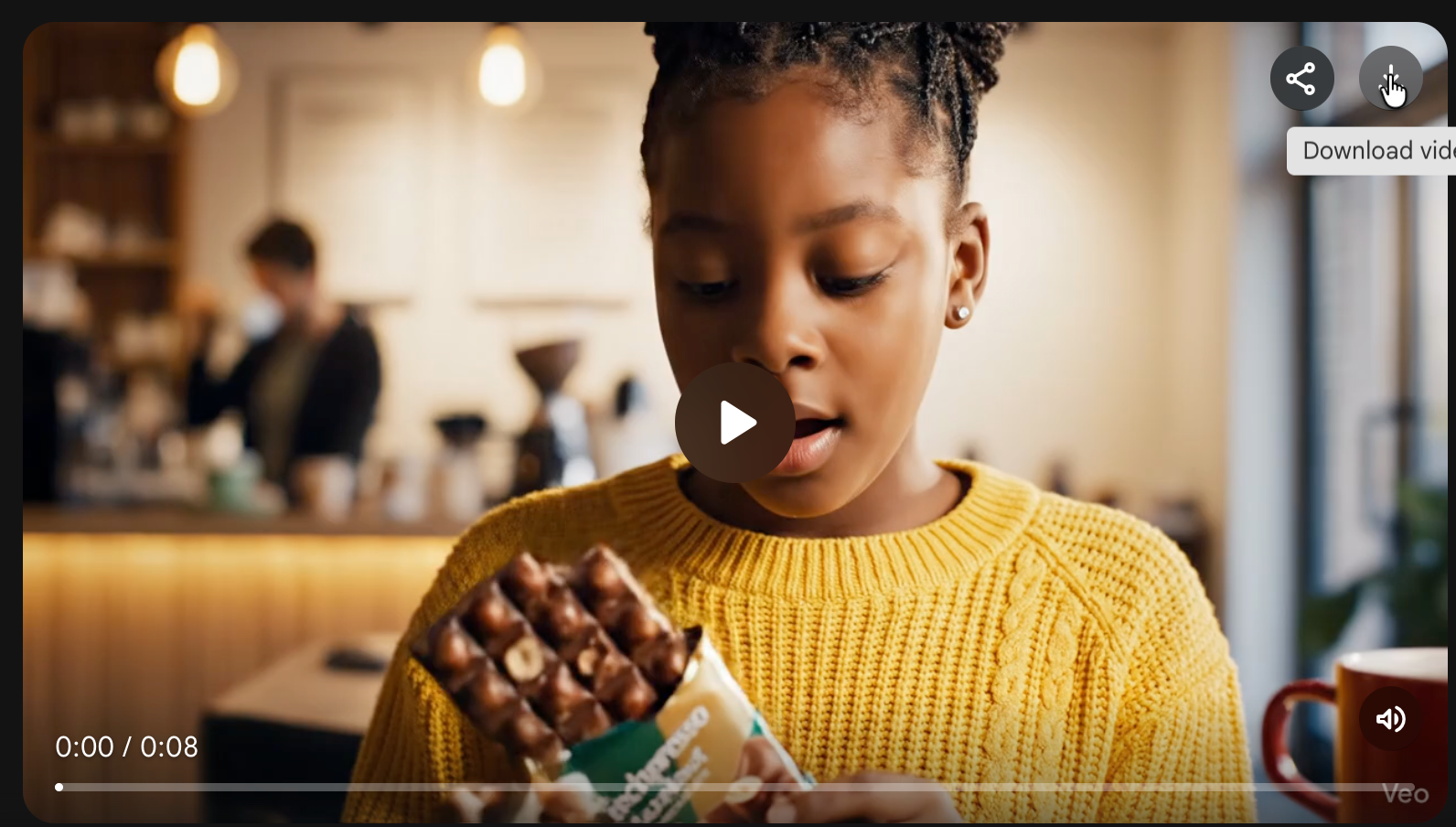
To download the video, click the download button in the top right corner of the generated video.
That’s it for this tutorial, AI marketing pros! This workflow lets you fill an Instagram feed very quickly. It is especially useful for marketers and creators who promote physical products on TikTok and Instagram. The more specific and visually consistent your examples are, the better the AI can match the style you want.
.png)
.png)
.avif)
