


What is Hubstaff?
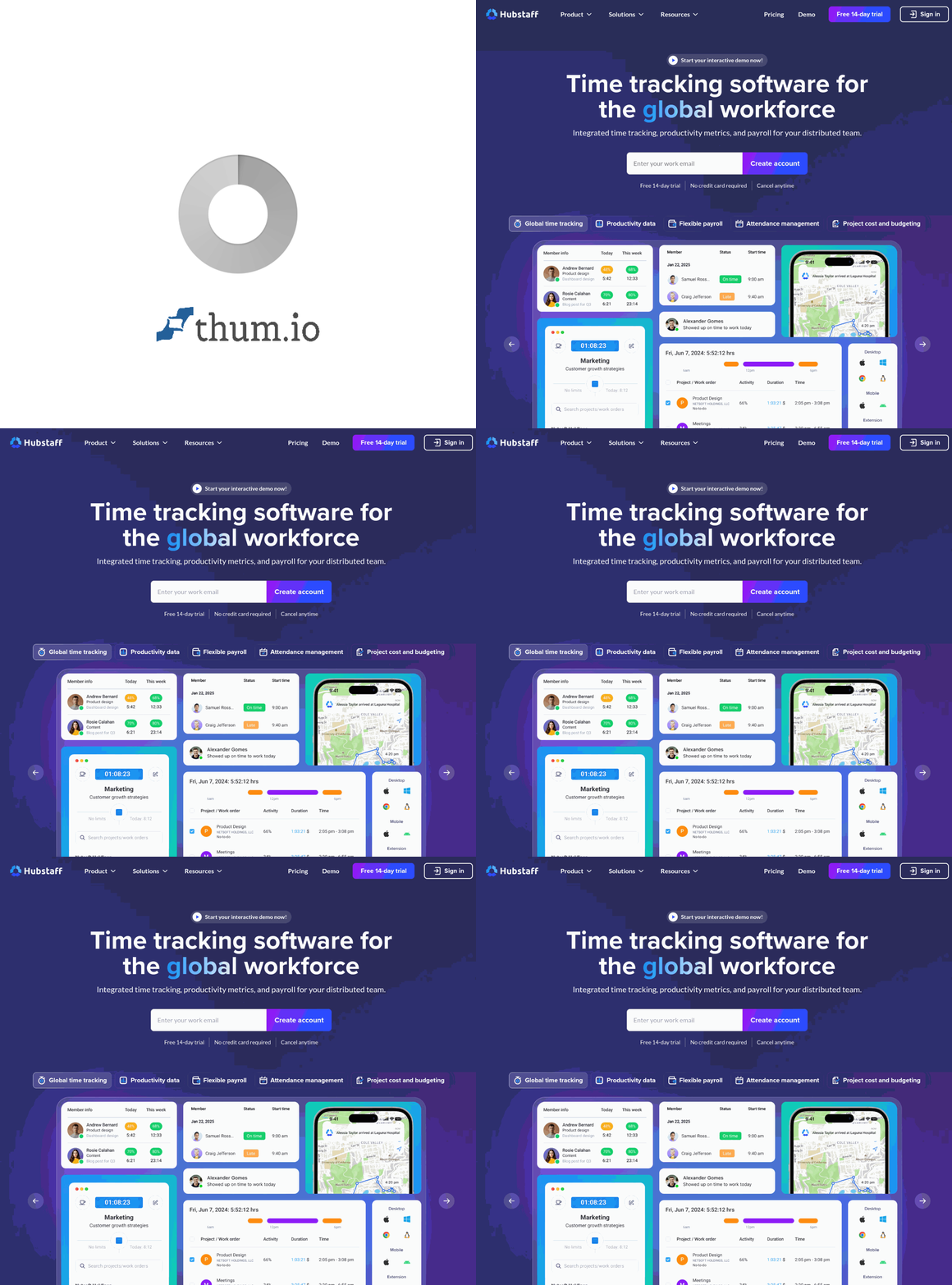
Hubstaff provides comprehensive time tracking and workforce management for teams working remotely, in the field, or across multiple locations. Beyond basic time tracking, the platform offers GPS location tracking, productivity monitoring, automated screenshots, and project budgeting—giving managers visibility into distributed work.
For businesses managing remote employees, field workers, or offshore teams, Hubstaff bridges the trust gap that distance creates. The platform documents work happening anywhere while providing employees clear expectations and fair accountability.
[cta text="Track Time & Boost Productivity"]Key Features
Time Tracking
Track time automatically with desktop and mobile apps. Simple start/stop timers, manual time entries for offline work, and idle detection ensure accurate records. Time allocates to specific projects, tasks, and clients for detailed reporting.
Activity Monitoring
Optional screenshot capture and activity level monitoring provide evidence of work performed. Keyboard and mouse activity rates indicate engagement without micromanaging. Managers see productivity patterns; employees prove their work.
GPS & Location Tracking
Track field worker locations via mobile GPS. See where employees clock in, verify job site attendance, and optimize routes. Geofencing automatically starts/stops time tracking at designated locations.
Project Budgeting
Set time and cost budgets for projects. Track burn rate against budget in real-time. Alerts notify when projects approach limits. Bill clients accurately based on tracked hours.
Scheduling
Create work schedules, manage shift coverage, and track attendance against schedules. Employees see their schedules on mobile. Managers identify scheduling conflicts and coverage gaps.
Payroll
Calculate pay based on tracked hours and pay rates. Handle overtime, different rates for different projects, and contractor payments. Integrate with payroll processors for seamless payment workflows.
Pricing
Hubstaff Desk (for in-office/remote teams) starts at $5.83/user/month for time tracking basics. Desk Premium at $8.33/user/month adds screenshots, activity levels, and integrations. Hubstaff Field starts at $7/user/month for GPS tracking and job site management.
Enterprise plans provide custom pricing with advanced security and support. All plans offer 14-day free trials.
[cta text="Track Time & Boost Productivity"]Who Uses Hubstaff?
Remote-first companies use Hubstaff to manage distributed teams fairly. Time tracking and activity monitoring create accountability without constant check-ins. Employees document their work; managers see productivity patterns.
Field service businesses track technicians, verify job site attendance, and optimize routes. GPS tracking ensures employees are where they should be while providing evidence for customer billing disputes.
Agencies and consultancies track billable hours by project and client. Accurate time data supports profitable pricing and client billing without manual timesheets.
Companies with offshore teams use Hubstaff to bridge time zone gaps. Activity monitoring provides confidence in work quality when direct supervision isn't possible.
Integrations
Hubstaff integrates with project management tools (ClickUp, Asana, Trello, Jira), communication platforms (Slack), and accounting software (QuickBooks, FreshBooks). Zapier connects to 1,000+ additional apps. API access enables custom integrations.
Hubstaff vs Competitors
Hubstaff vs Time Doctor
Time Doctor offers similar monitoring features with strong distraction management. Hubstaff provides better field service capabilities with GPS tracking. Both serve remote teams well; specific needs guide the choice.
Hubstaff vs Toggl Track
Toggl Track offers lightweight time tracking without monitoring features. Hubstaff adds productivity monitoring and workforce management. Toggl for trust-based tracking; Hubstaff for verified accountability.
Hubstaff vs Clockify
Clockify provides free basic time tracking. Hubstaff charges but delivers monitoring, GPS, and workforce management features Clockify lacks. Clockify for cost-sensitive basics; Hubstaff for comprehensive workforce visibility.
Pros and Cons
Pros
- Comprehensive feature set for workforce management
- GPS tracking for field workers
- Project budgeting and client billing tools
- Affordable per-user pricing
- Strong integration ecosystem
- Responsive customer support
Cons
- Monitoring features can feel invasive to some employees
- Activity tracking requires employee buy-in
- Desktop app required for screenshot capture
- Some features require higher tier plans
Frequently Asked Questions
Do employees know when screenshots are taken?
Yes, screenshot frequency is disclosed and can be adjusted. Some companies disable screenshots entirely, using only time tracking. Transparency about monitoring policies matters for employee relations.
Can employees delete screenshots?
Configurable policies determine whether employees can view and delete screenshots. Many companies allow deletion to address privacy concerns while still maintaining accountability.
Is GPS tracking always on?
GPS tracking activates during work hours when the mobile app runs. Employees control when tracking starts/stops. Off-hours location isn't tracked unless employees clock in.
How accurate is activity level monitoring?
Activity levels measure keyboard and mouse input—a proxy for engagement, not necessarily productivity. High activity may indicate busy work; low activity may indicate focused thinking. Use as one data point among many.
[cta text="Track Time & Boost Productivity"]Final Verdict
Hubstaff provides the visibility distributed teams need to work effectively across distance. Time tracking, activity monitoring, GPS location, and project budgeting create comprehensive workforce management from one platform.
Success with Hubstaff depends on implementation approach. Used to build accountability and trust with transparency, it enables distributed work. Used punitively, it damages culture. The tool serves teams who approach workforce visibility as enablement rather than surveillance.
Rating: 4.3/5





.png)