-min.avif)
.avif)
.png)
In the pre-AI era, developers wrestled with code. They stared at the screen for endless hours installing frameworks, setting it up, and doing setups. Many had little time left to write code. And when it came to shipping, it meant long feedback loops, broken environments, and praying nothing exploded in production. Today, that friction is optional. The real work is understanding the problem and shipping the solution, not fighting the toolchain.
Shipping code shouldn’t feel like a chore. With Claude Code Web, you open your codebase in the browser, let it understand what’s going on, work on multiple features at the same time, and ship real changes without touching your local setup. Today, the winning workflow is about fewer tabs, less busywork, and faster momentum from idea to live code.
In this tutorial, we will teach you how to use Claude Code to save time and hassle with bug fixes and well-defined routine tasks. Claude’s coding feature lets you work on multiple issues from your backlog in parallel, backend changes with test-driven development, repositories you don't have checked out locally, and documentation updates without having to break a sweat.
By the end of this tutorial, you’ll be able to:
- Set up the Claude Code web with a GitHub repository
- Describe the task and steer Claude mid-task
- Review and ship code
Let’s dive in right away!
Step 1 - Set up the Claude Code web with a GitHub repository
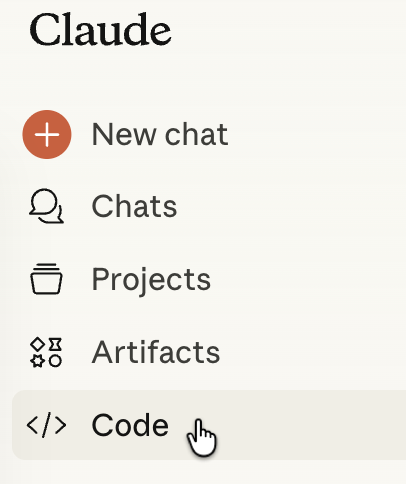
The first step is to get a Claude Pro or Max subscription. Claude Code web is not available in the free tier. Go to Claude and click ‘Code.’
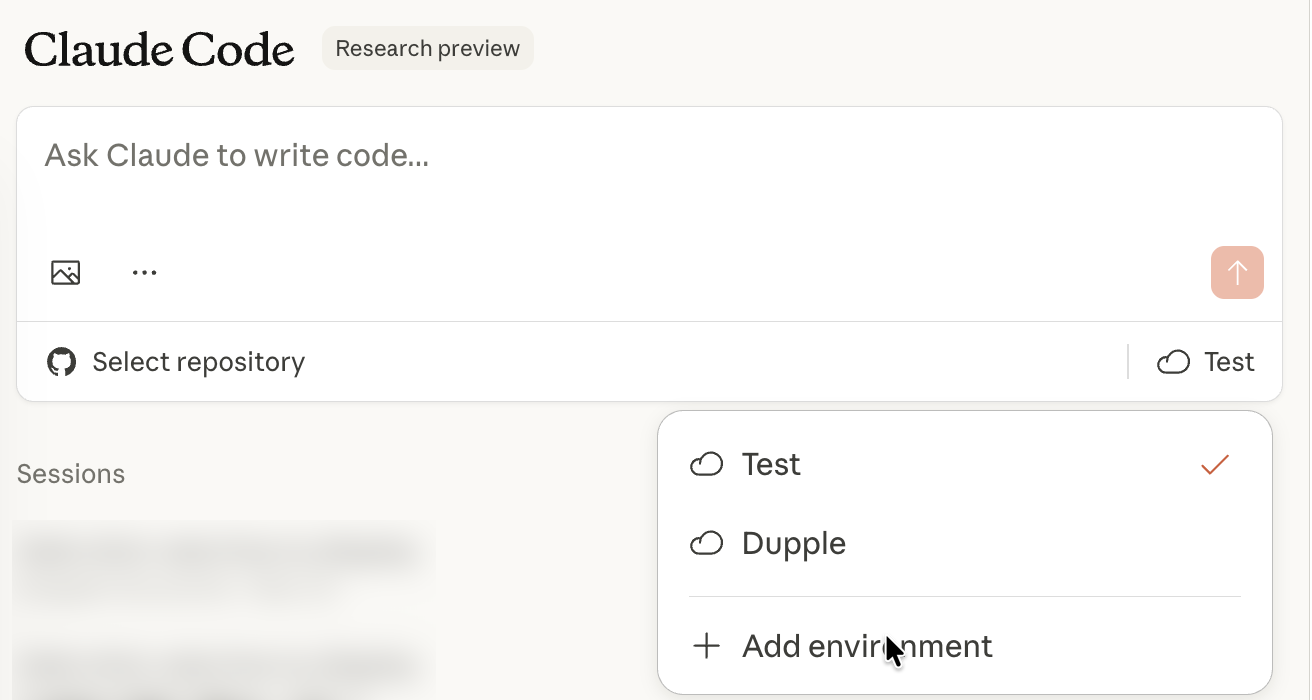
Click the cloud icon in the Claude Code chatbox and add your environment.
Specify the environment’s name. Select network access and specify any environment variables. Click ‘Create Environment.
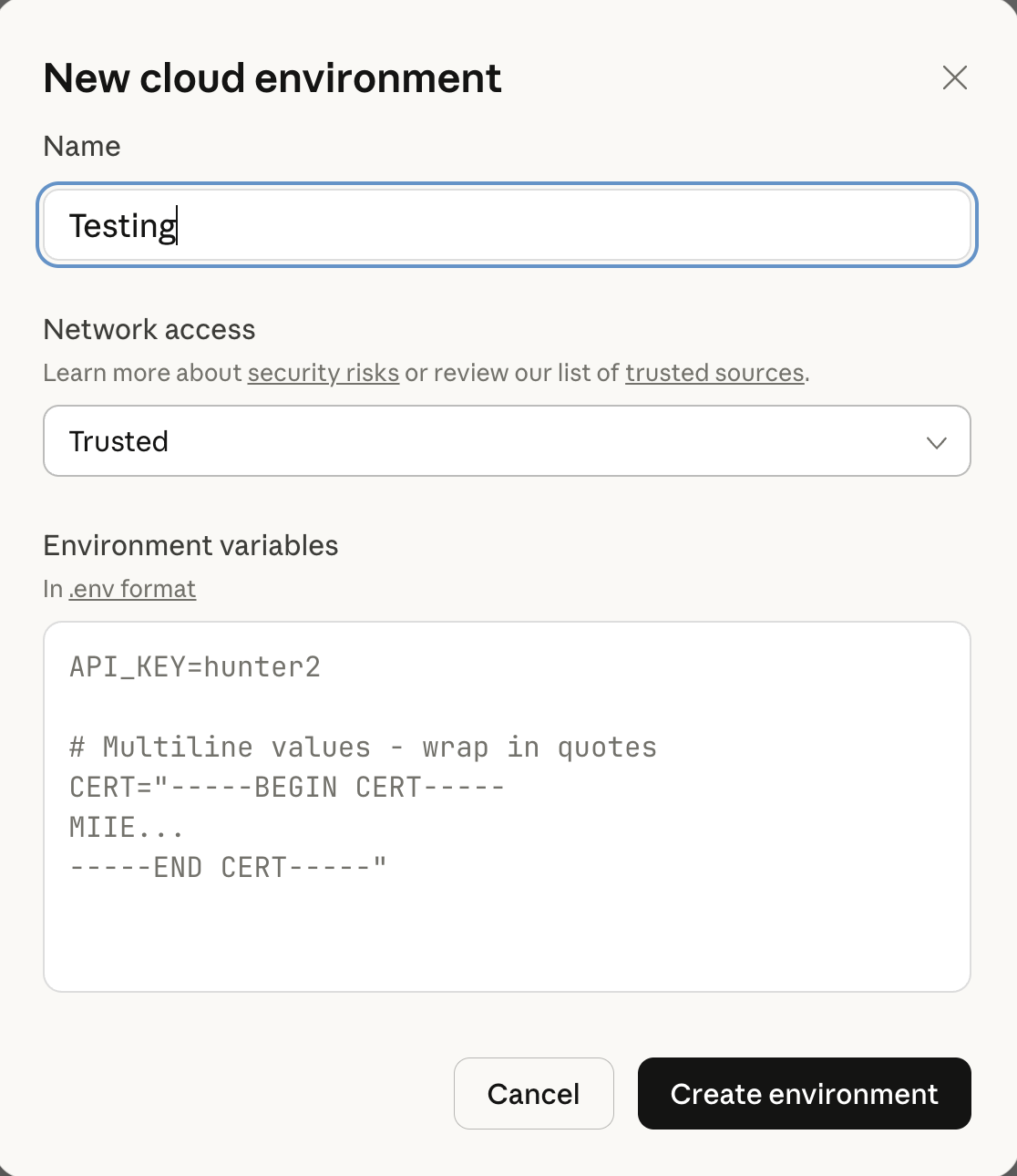
Network access in Claude Code controls whether the isolated sandbox environment where your code runs can connect to the internet. Specify the trusted sources for Internet access.
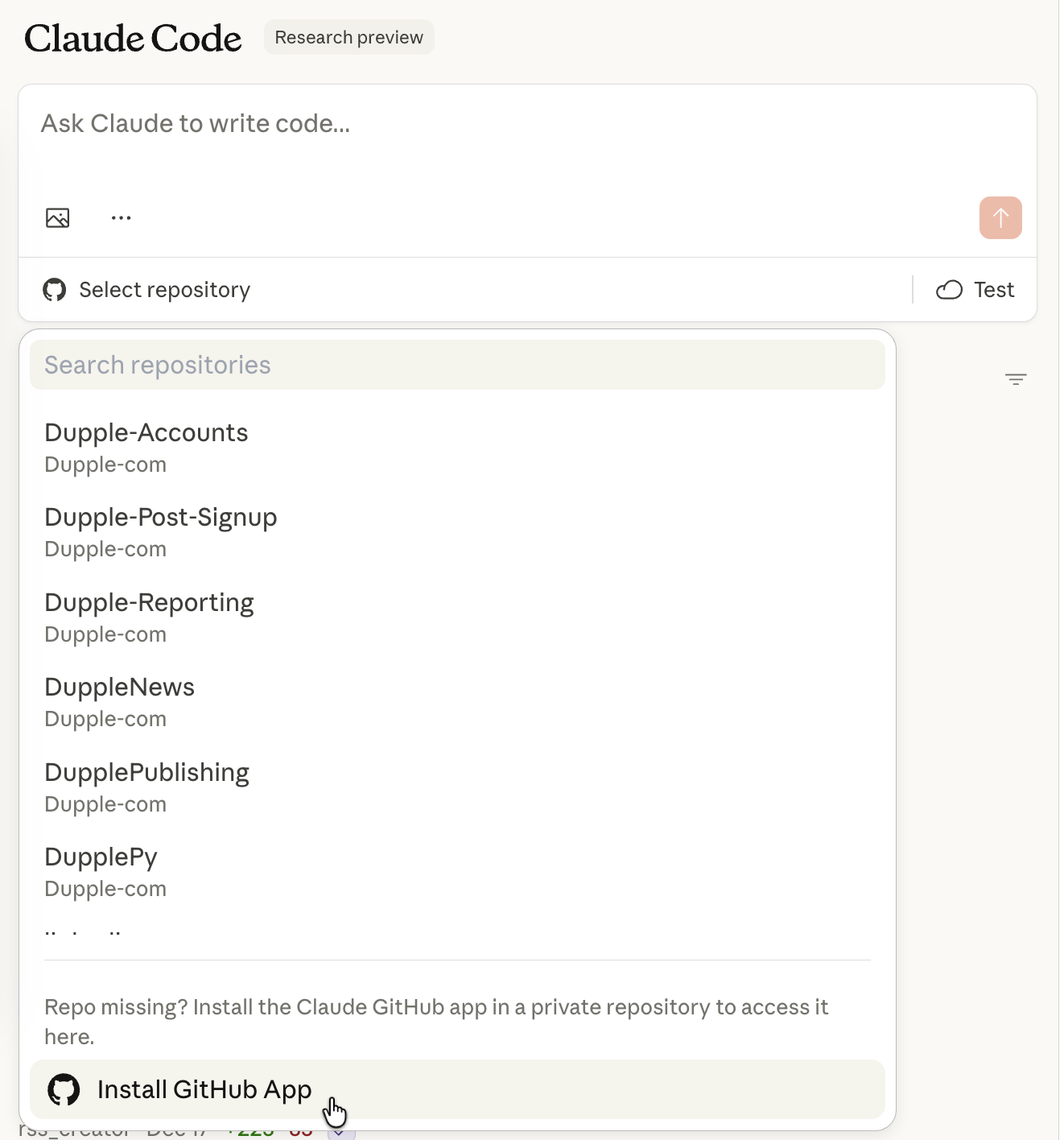
Next, click ‘Select repository.’ Click ‘Install Github app.’
Check whether GitHub is connected to Claude Code by accessing the settings and the ‘Connectors’ tab.
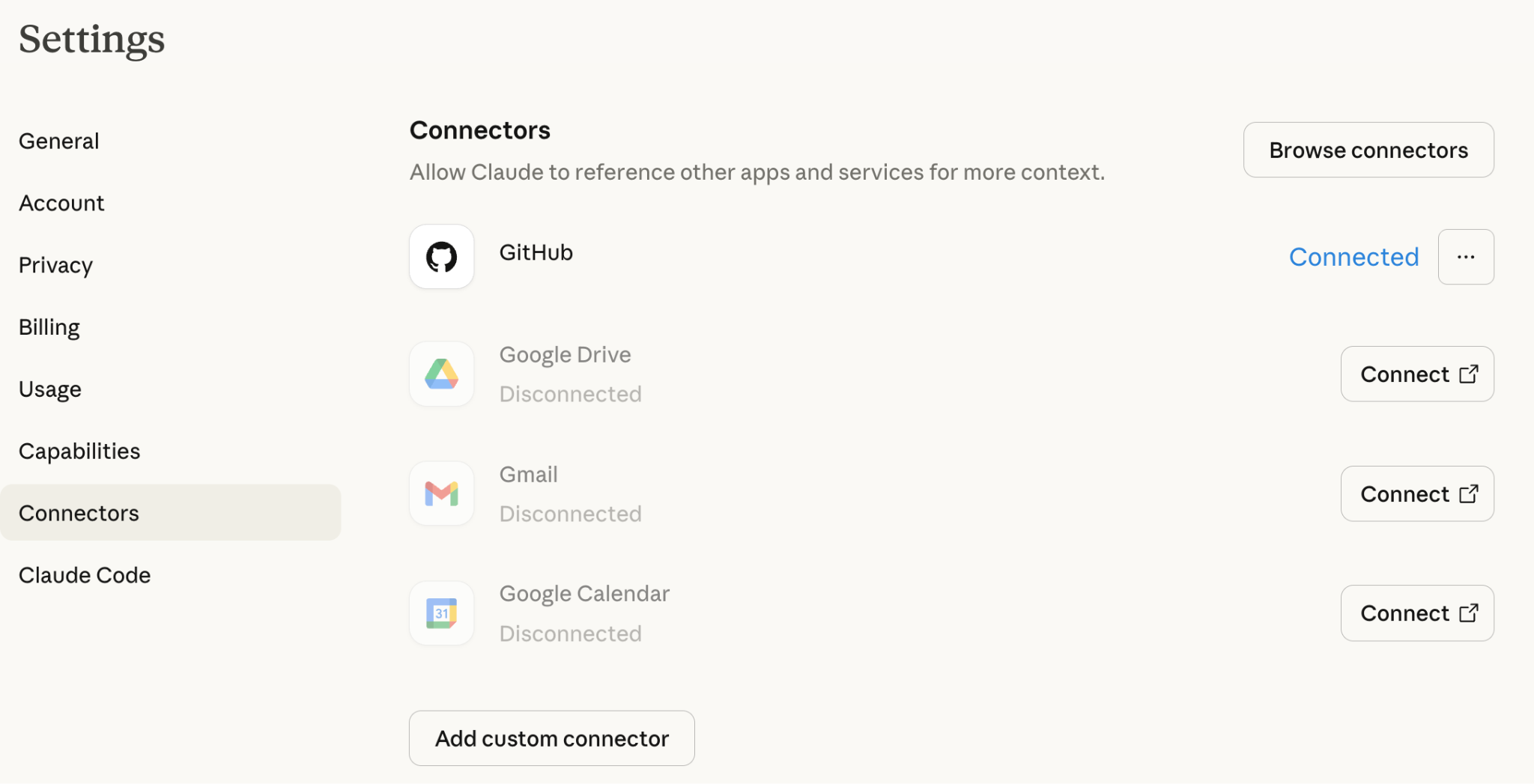
You connect your GitHub account via OAuth, grant repository permissions to Claude Code, and select the repos Claude can access.
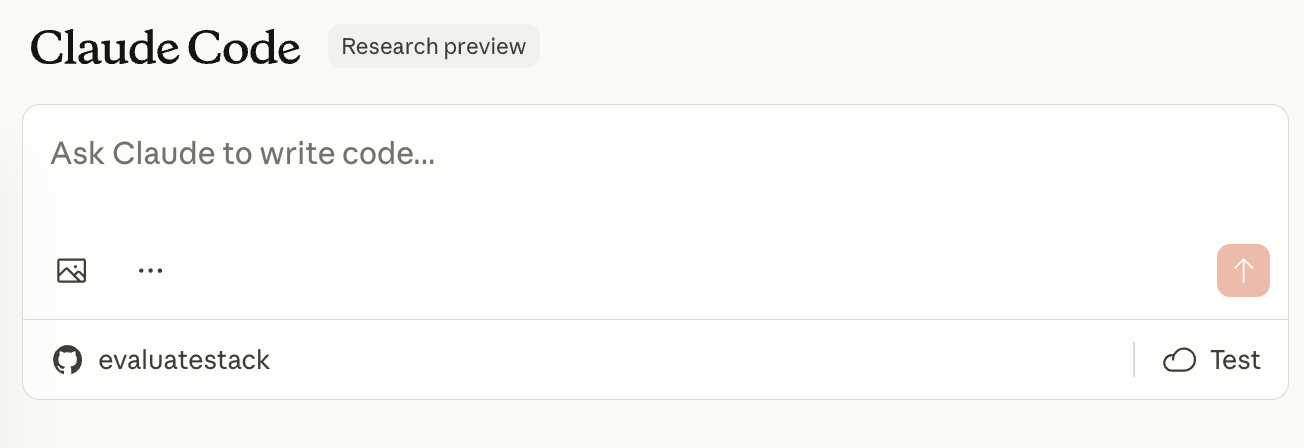
Step 2 - Describe the task and steer Claude mid-task
The environment is set. Describe a task to get Claude Code working. Let’s say you want to find bugs in the following API memory store.
Prompt:
Identify all bugs in the following code. Explain each issue and fix the code.
[paste your code here]
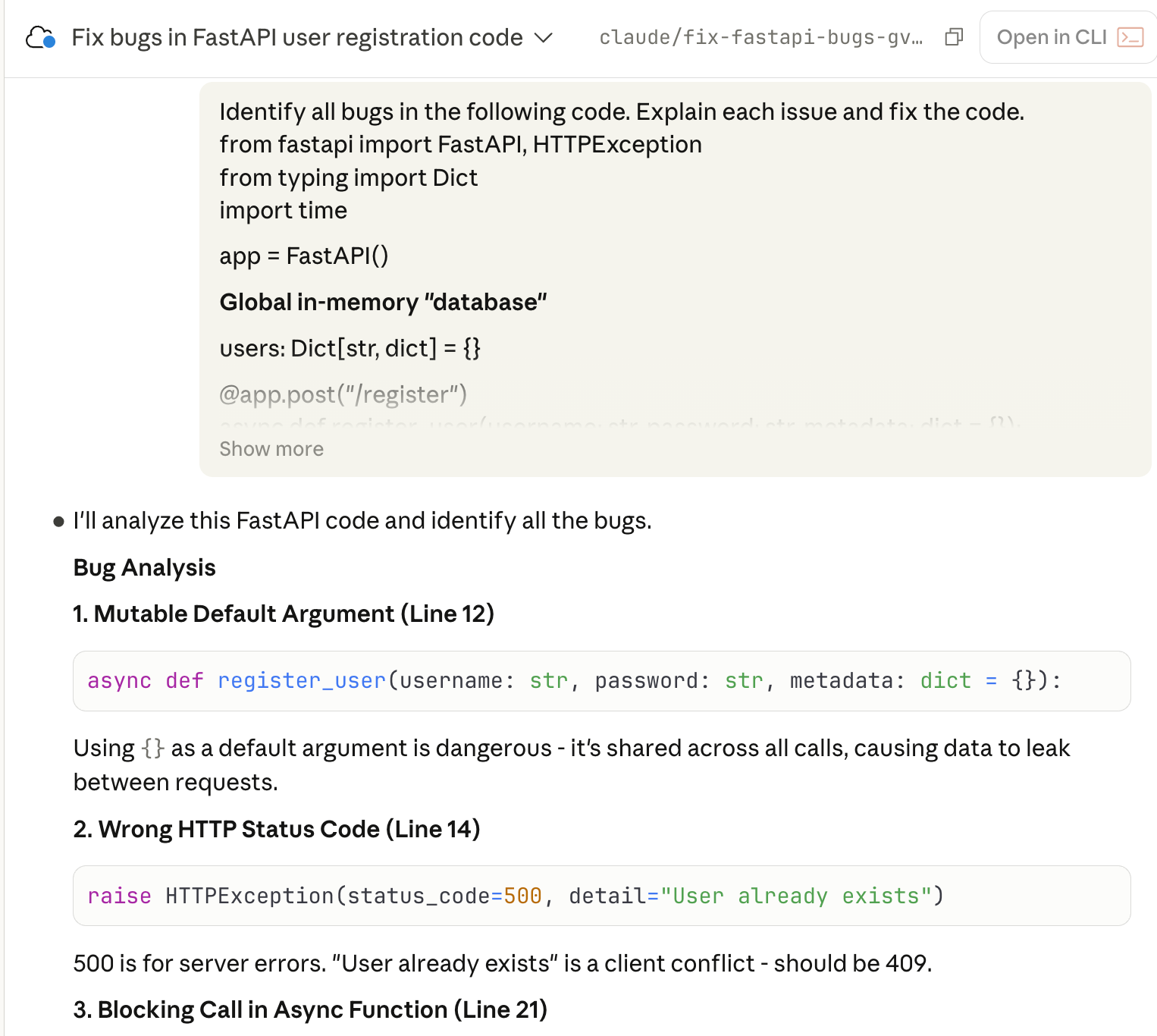
Claude Code identified the bugs and fixed them quickly. It displays the list of bugs in the code.
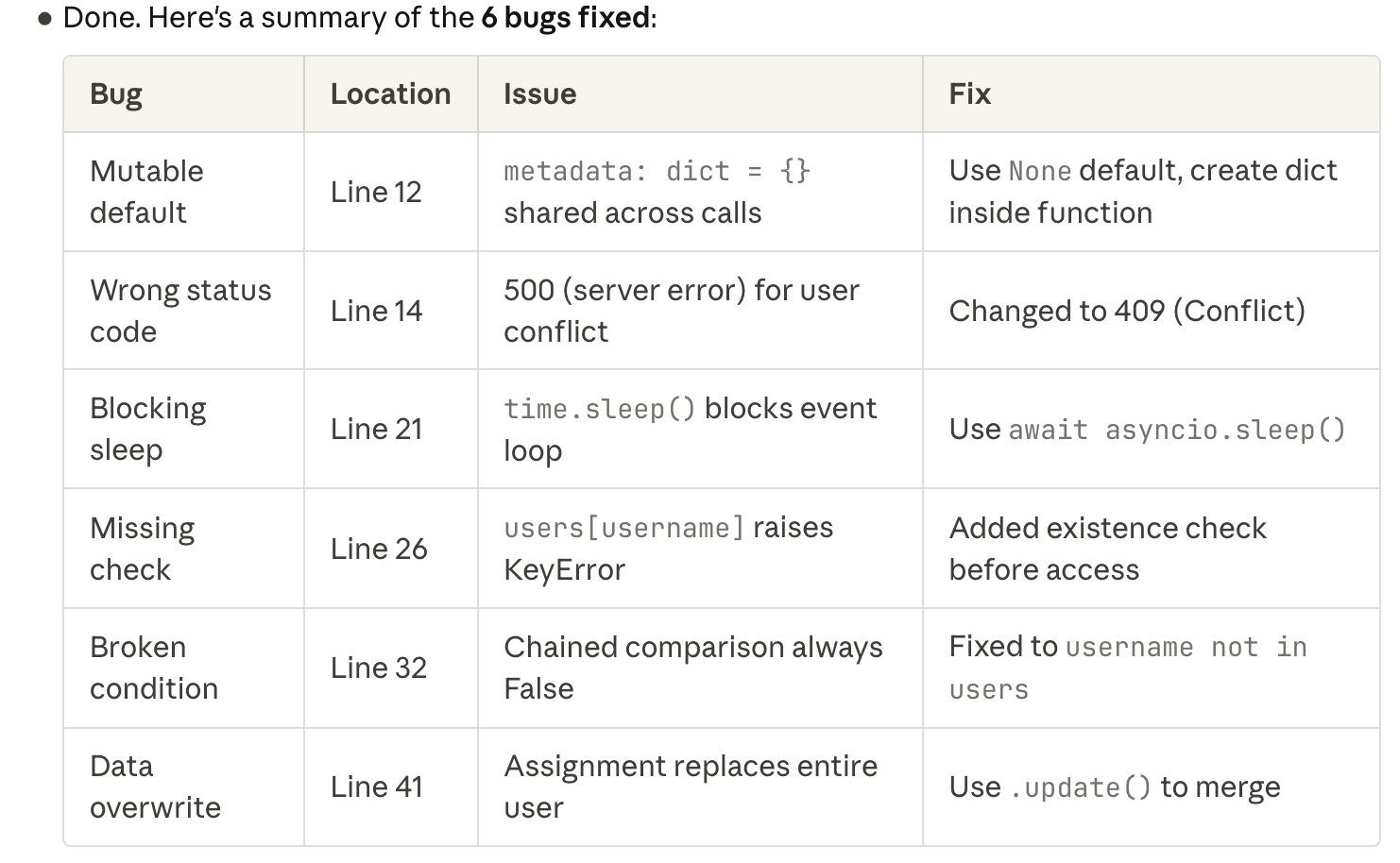
You can also use Claude Code Web to pull the code from a GitHub repository and analyze it.
For example, there is an HTML static page code in the repo. Copy the web page name and use the following prompt.
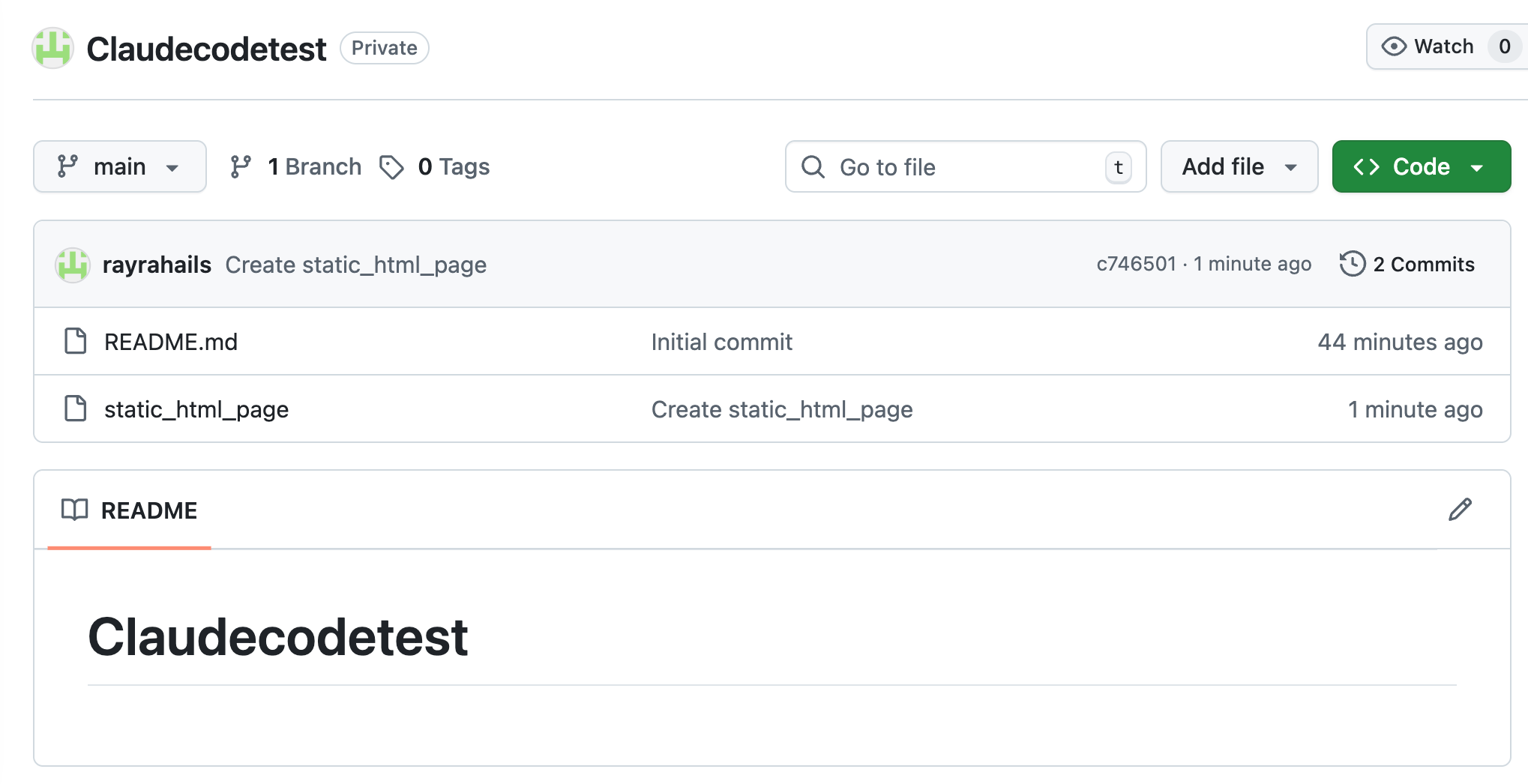
Prompt:
Pull static_html_webpage from the GitHub repo and analyze the code. Add an SVG graphic in the hero section.
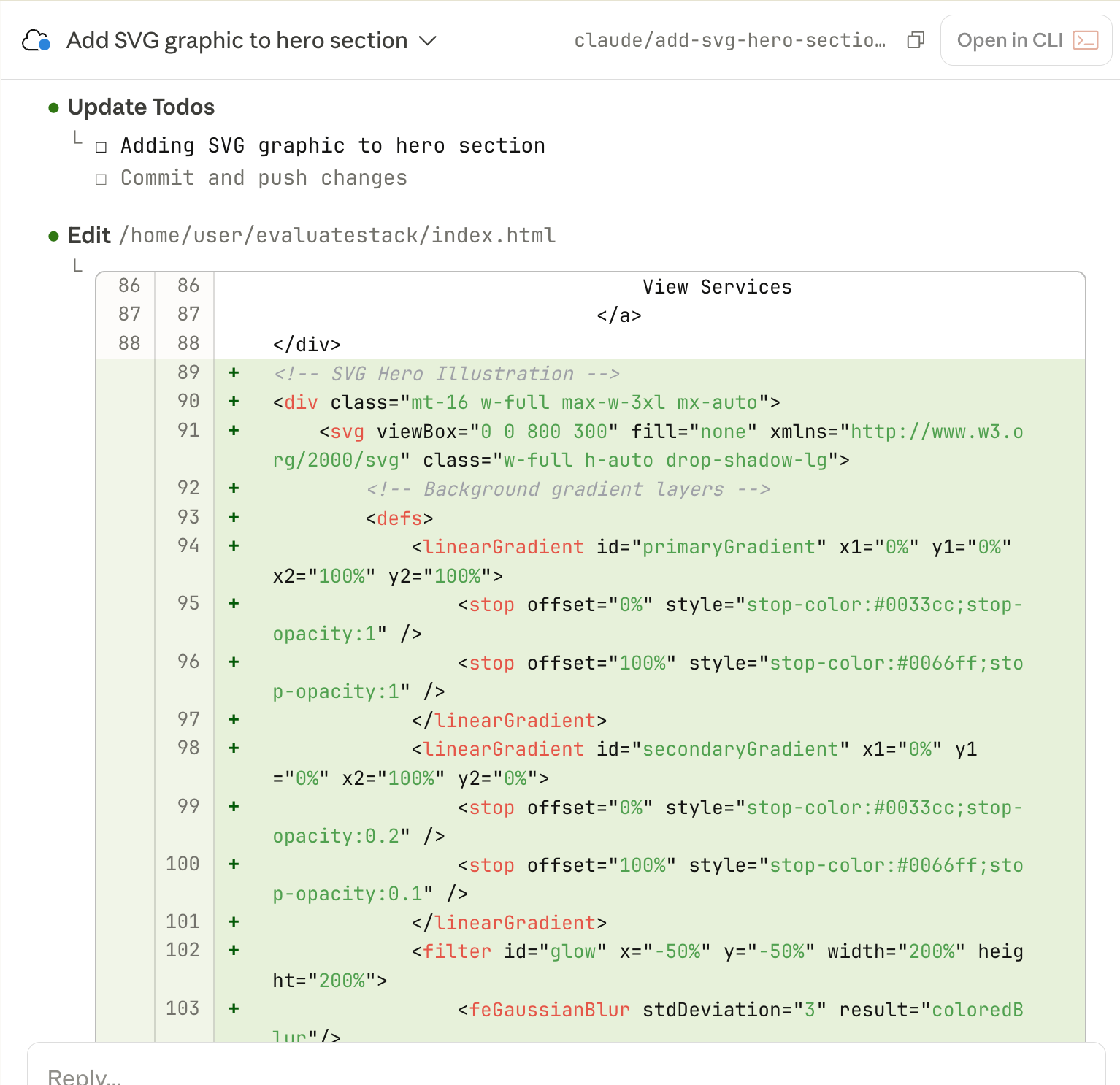
Claude will add an SVG graphic to the hero section of the page and create an update.
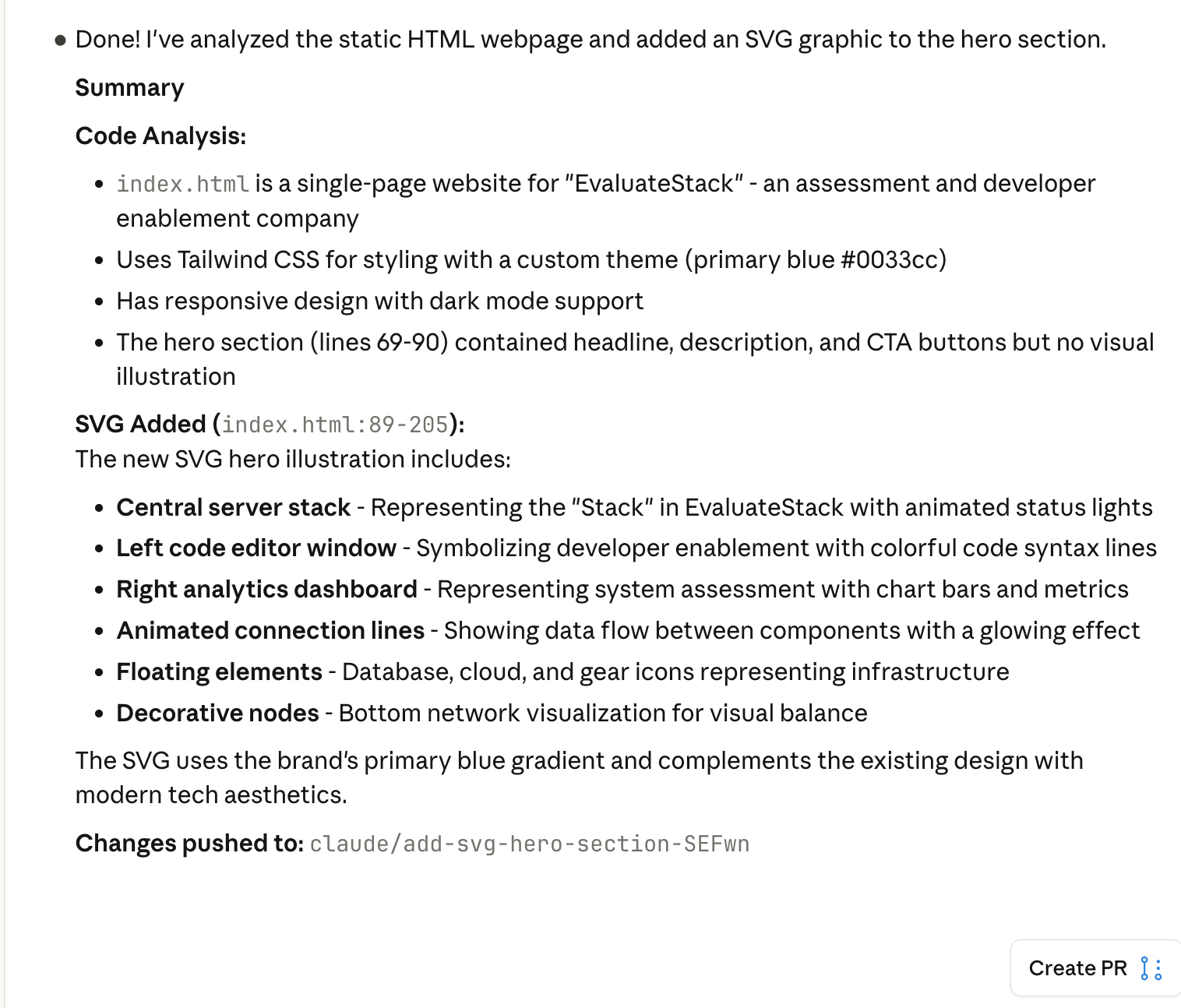
You can preview the page by prompting Claude.
Prompt:
Show the preview of the static_html_page here.
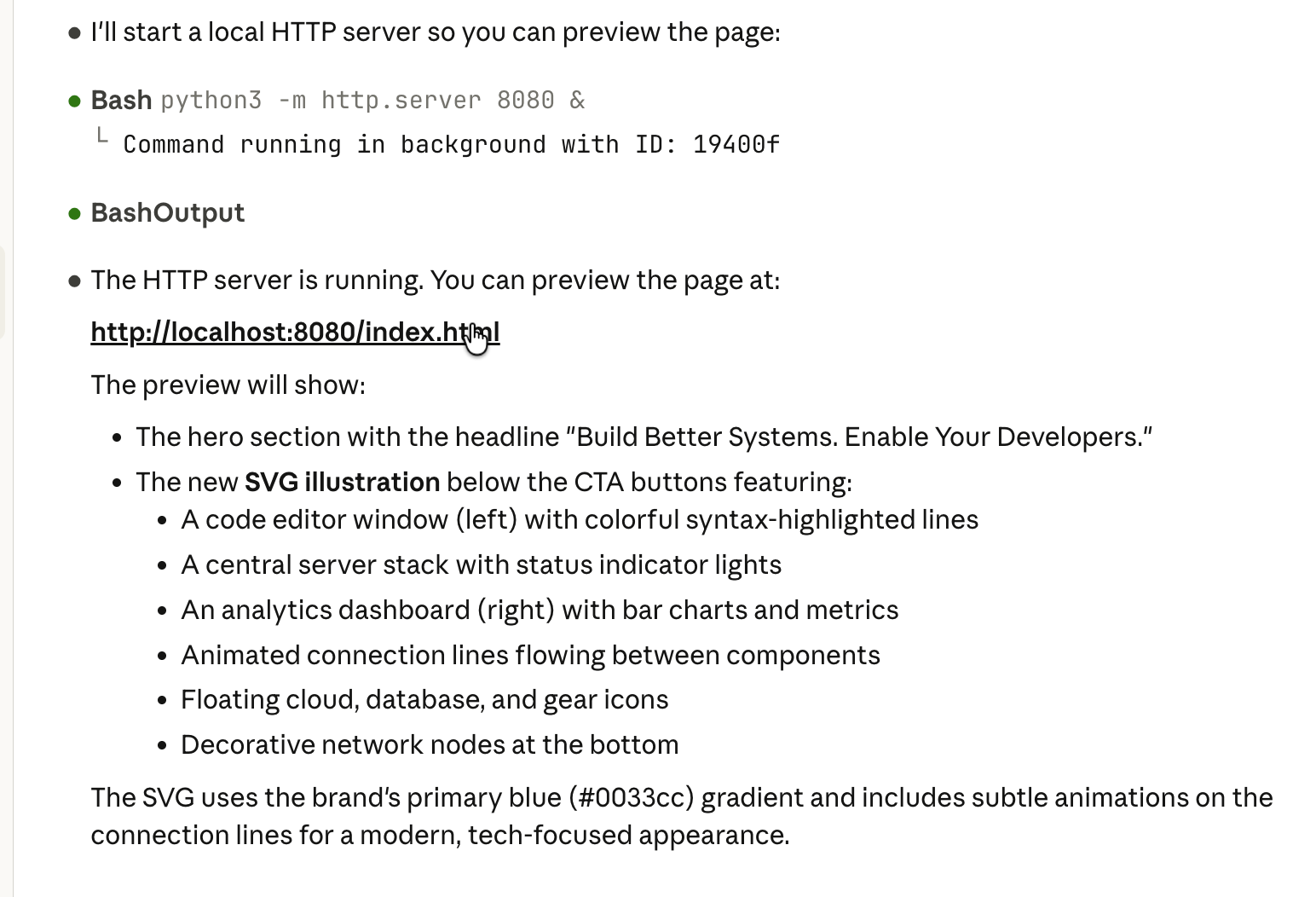
Step 3 - Review and ship code
Now that you have amended the HTML page code, ask Claude to critically review the changes and create a fork in the GitHub repo.
Prompt:
Critically review the changes in the code and create a fork in the GitHub repo for the changed code.
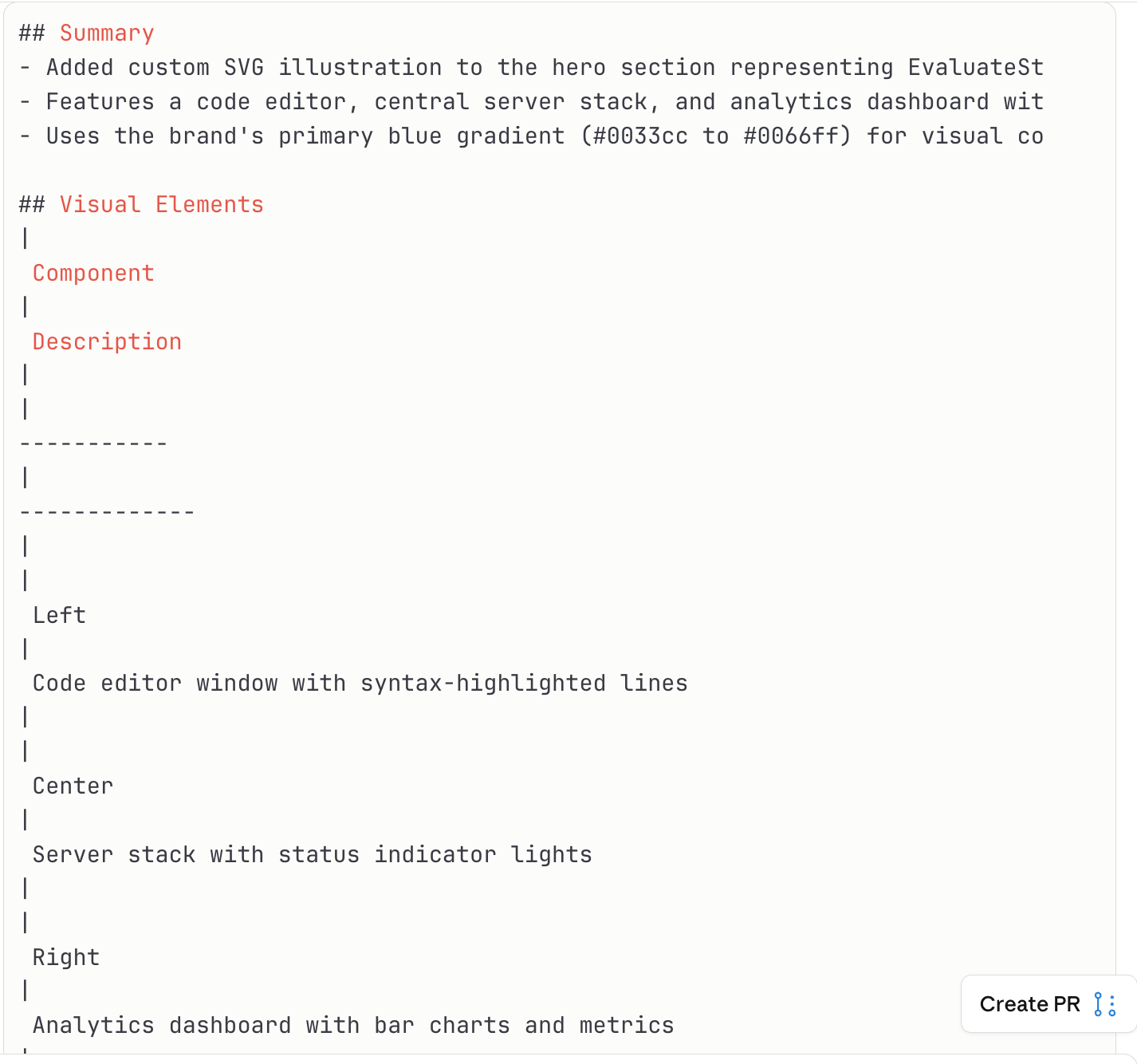
You can open the entire session in the CLI by clicking ‘Open in CLI’ at the top of the Claude code review pane. This process allows you to teleport the session to your computer terminal.

Once the review is done, you can access the updated code in your GitHub repo.
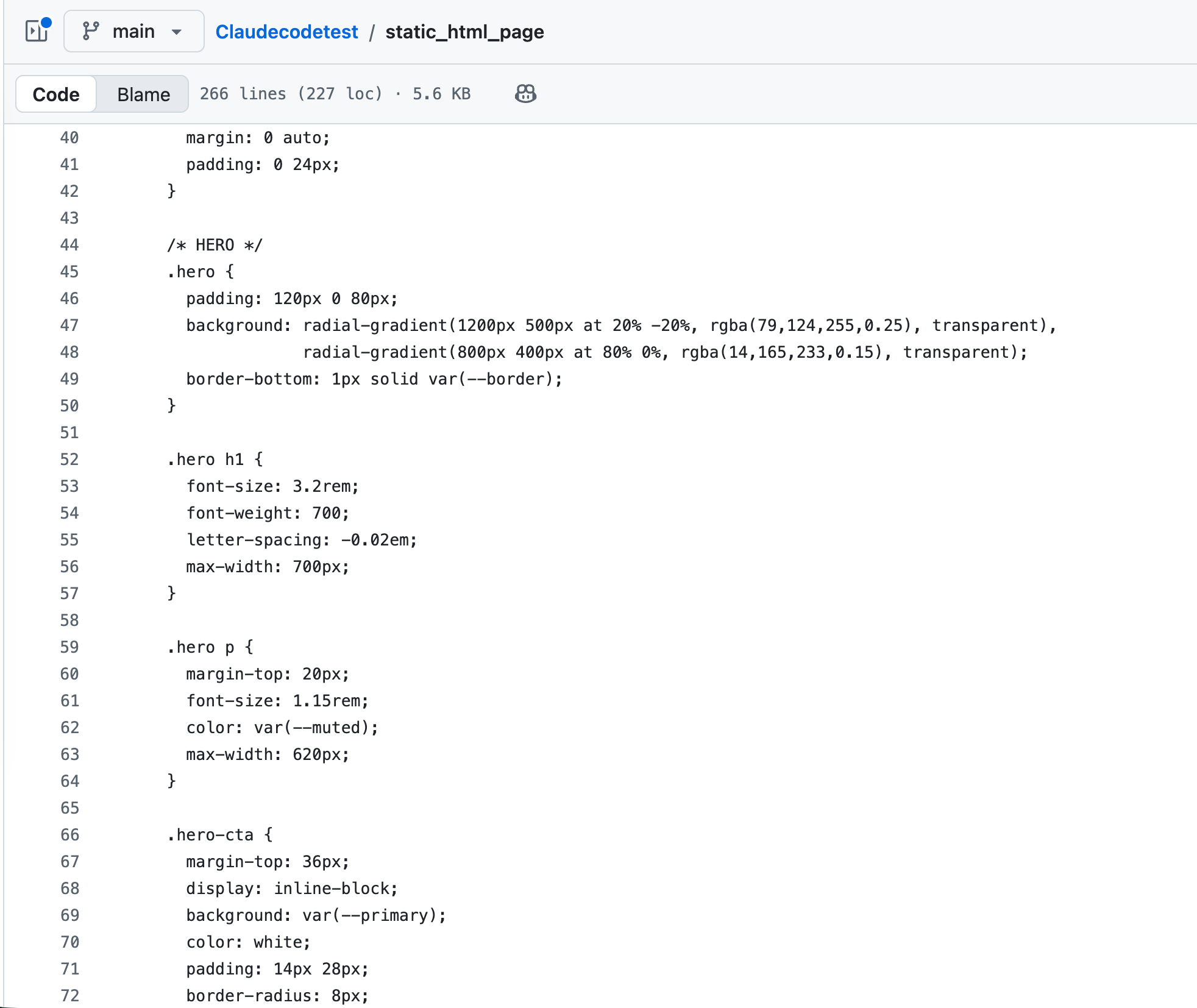
That’s it for this tutorial, AI lovers! You now have everything you need to integrate Claude Code into your GitHub workflow. Whether you're committing quick fixes, iterating on features, or syncing the latest changes from your team, Claude Code handles the heavy lifting while you stay in control. Start small; pick a straightforward bug or a minor refactor, let Claude draft the changes, review the diff, and ship your first PR.
As you get comfortable, you'll find yourself running multiple tasks in parallel, queuing up work while you're away from your desk, and spending less time context-switching between your terminal and browser. The code still belongs to you; Claude just helps you write it faster. Now go ship something.

.png)



.png)