-min.avif)
.avif)
Let’s be honest. Hunting for real deals online can feel exhausting. With Christmas coming up, the search gets even tougher because many great offers never make it into ads, and plenty of sellers simply cannot promote their discounts. After a while, trying to compare prices and track down something better becomes so frustrating that you give up and buy what you want at full price. It does not have to be that way. With the right approach, you can cut through the noise, surface the offers that matter, and actually enjoy saving money during the busiest shopping season of the year.
This guide will help you use your trusted ChatGPT in a smarter way. ChatGPT’s new shopping feature is one of the secrets that most people overlook. It enables you to find the best deals without visiting hundreds of sites that might crash your browser. It centralizes the entire experience from search to checkout. Honestly, we think it’s a massive time-saver for consumers and a big opportunity for businesses to sell their stuff efficiently.
In this tutorial, you’ll learn how to turn on ChatGPT’s shopping research feature, describe the product you’re looking for, review the final product suggestions, and check out by visiting the site listing.
You get the best deals this season by:
- Accessing ChatGPT’s shopping research
- Describing the product
- Reviewing the final product suggestions
- Checking out by visiting the site listing
Let’s get right into it!
Step 1 - Accessing ChatGPT’s shopping research
There are many things ChatGPT can do, and one of them is being a shopping research assistant. You can use it to find products, good deals, and even create a price comparison chart to get the best price. To get started, log in to your ChatGPT account (preferably a paid account).

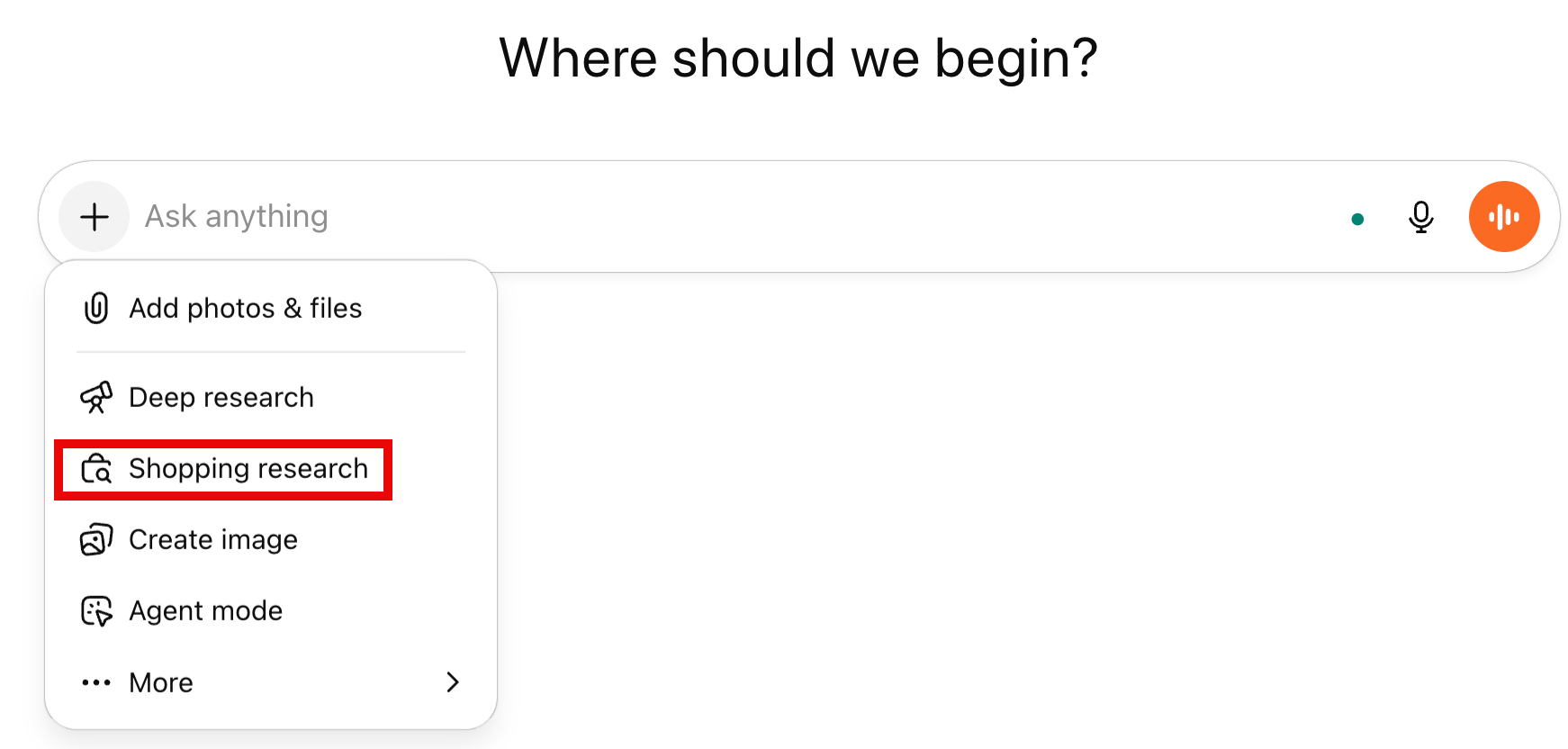
Click the ‘+’ button and select ‘Shopping research.’
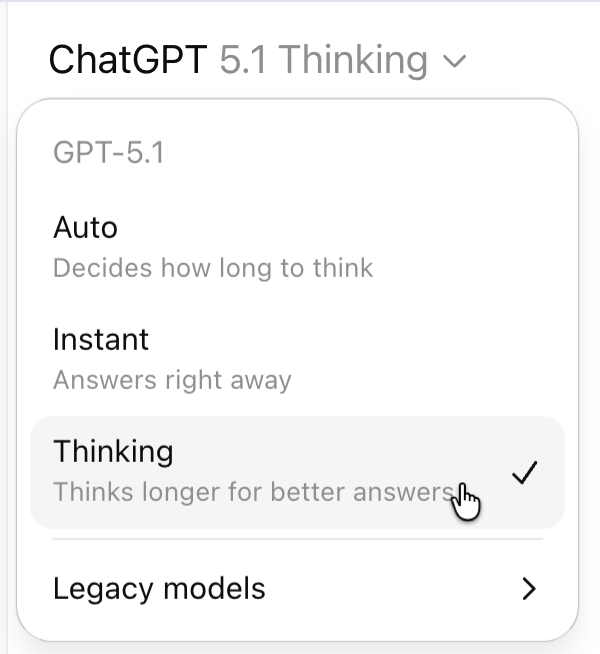
Make sure to select the ‘Thinking model’ to get the most out of ChatGPT shopping research.
You’re all set to find amazing deals online without visiting hundreds of sites.
Step 2 - Describing the product
Describe the product you want to get a good deal on in detail. After activating the shopping research feature, type the prompt explaining what you’re looking for.
Let’s imagine you’re in the market for a new laptop.
Prompt:
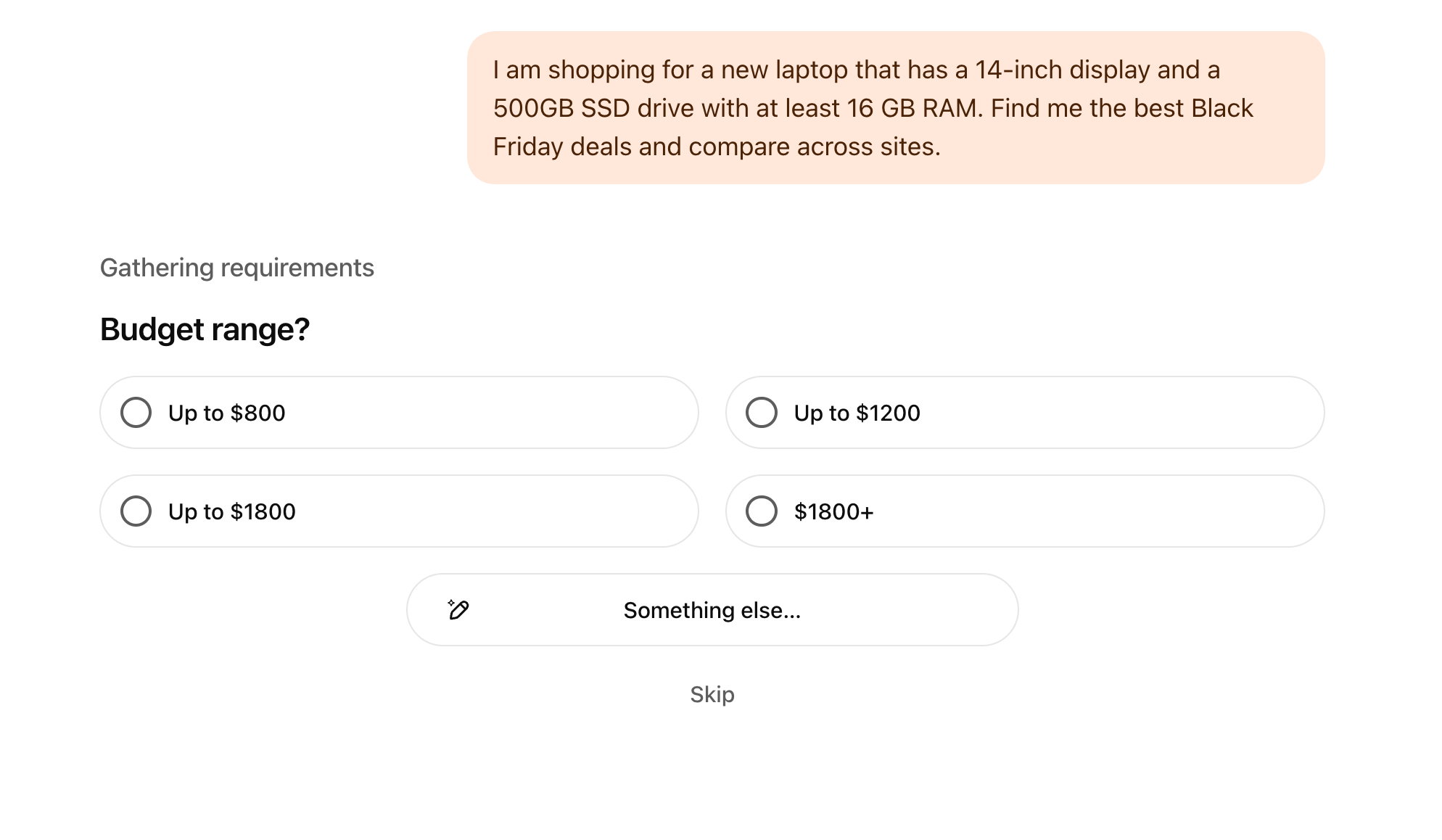
I am shopping for a new laptop that has a 14-inch display and a 500GB SSD drive with at least 16 GB RAM. Find me the best Black Friday deals and compare across sites.
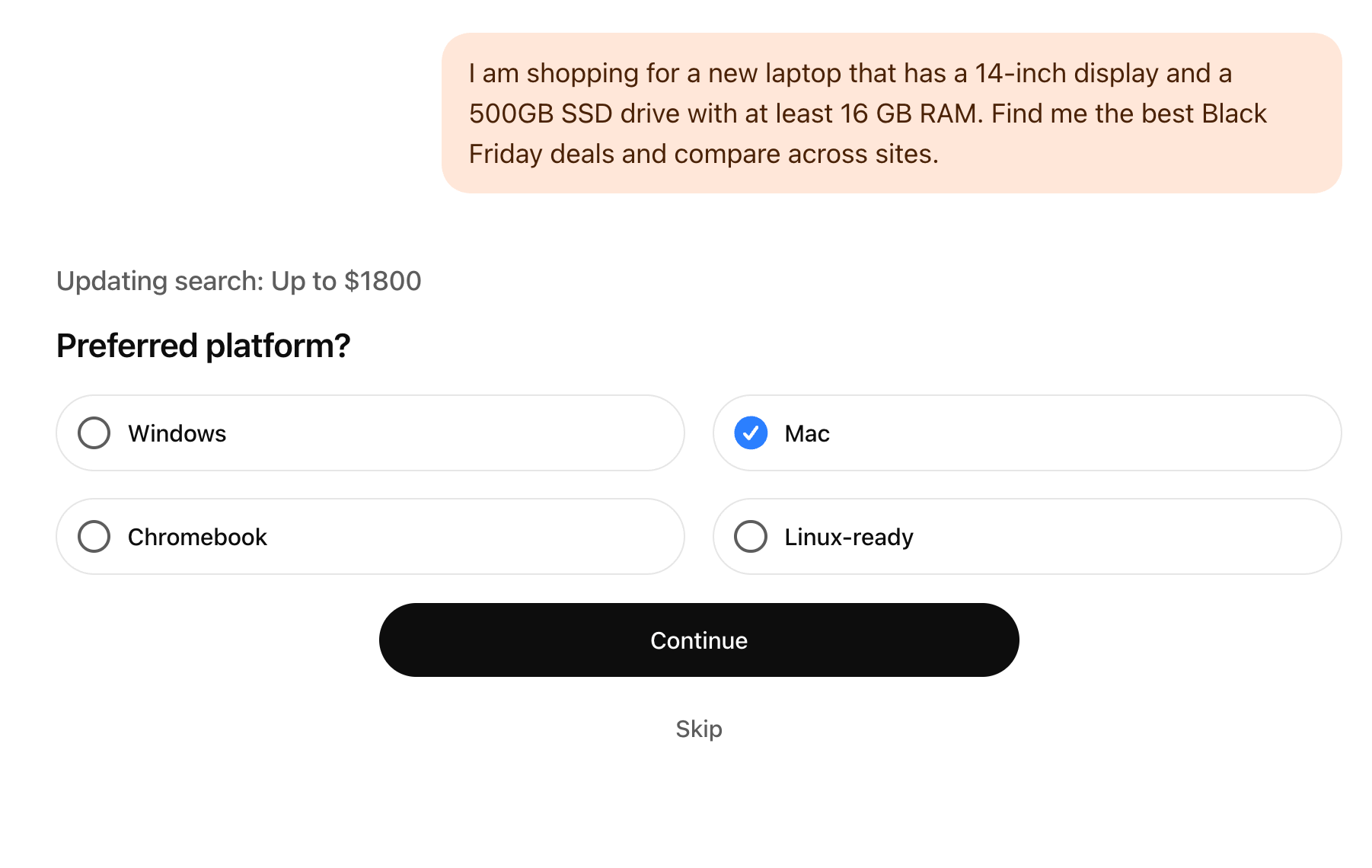
ChatGPT will ask follow-up questions to refine the results. It might ask about:
- Bidget range
- Operating system
- Preferred size, etc.
Answer the questions or skip them to allow ChatGPT to figure out what you want. It uses these questions to find the exact deals for you.
This is way better than the usual shopping grind—no more jumping between a bunch of sites. Everything comes to you instead.
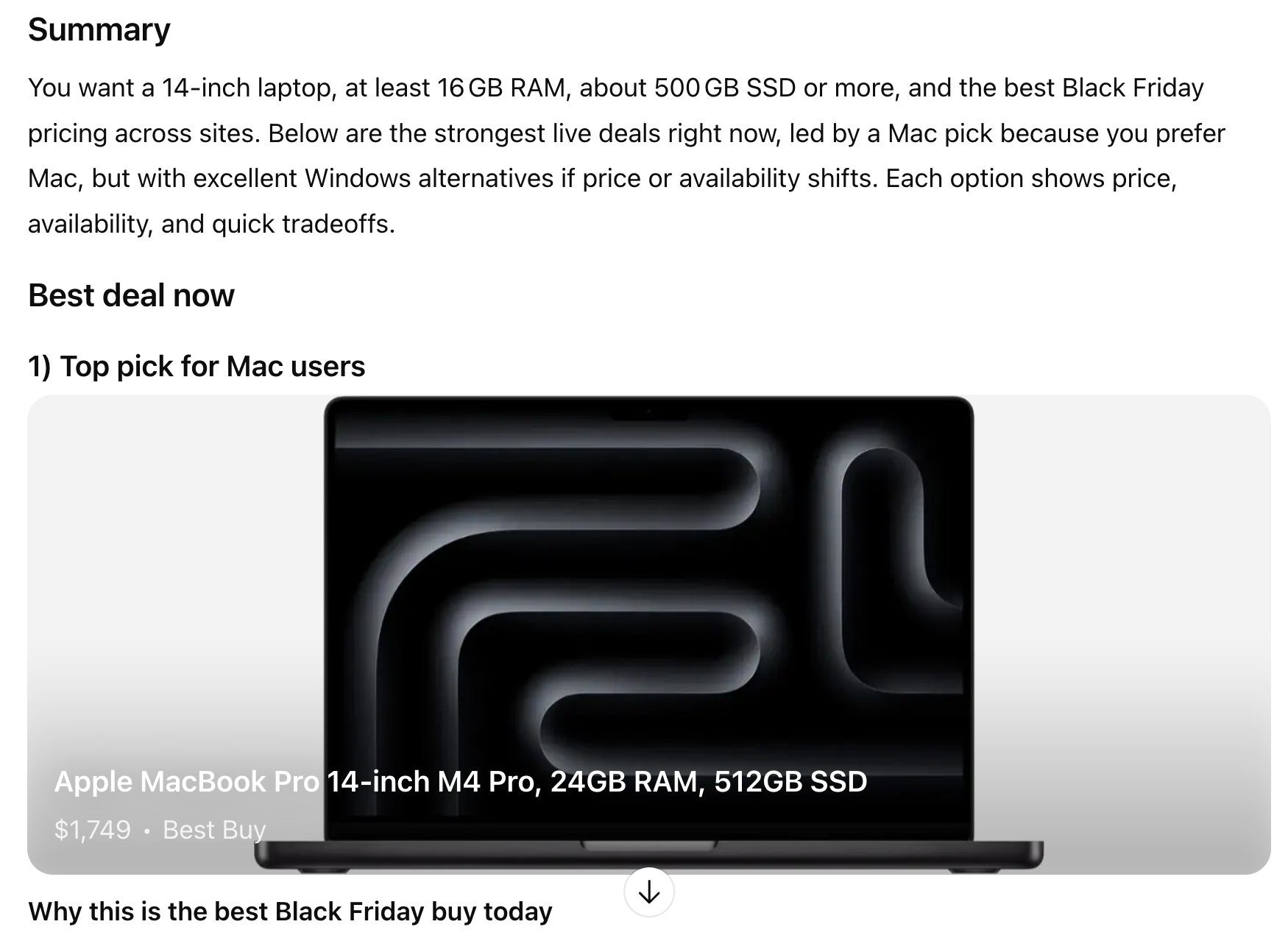
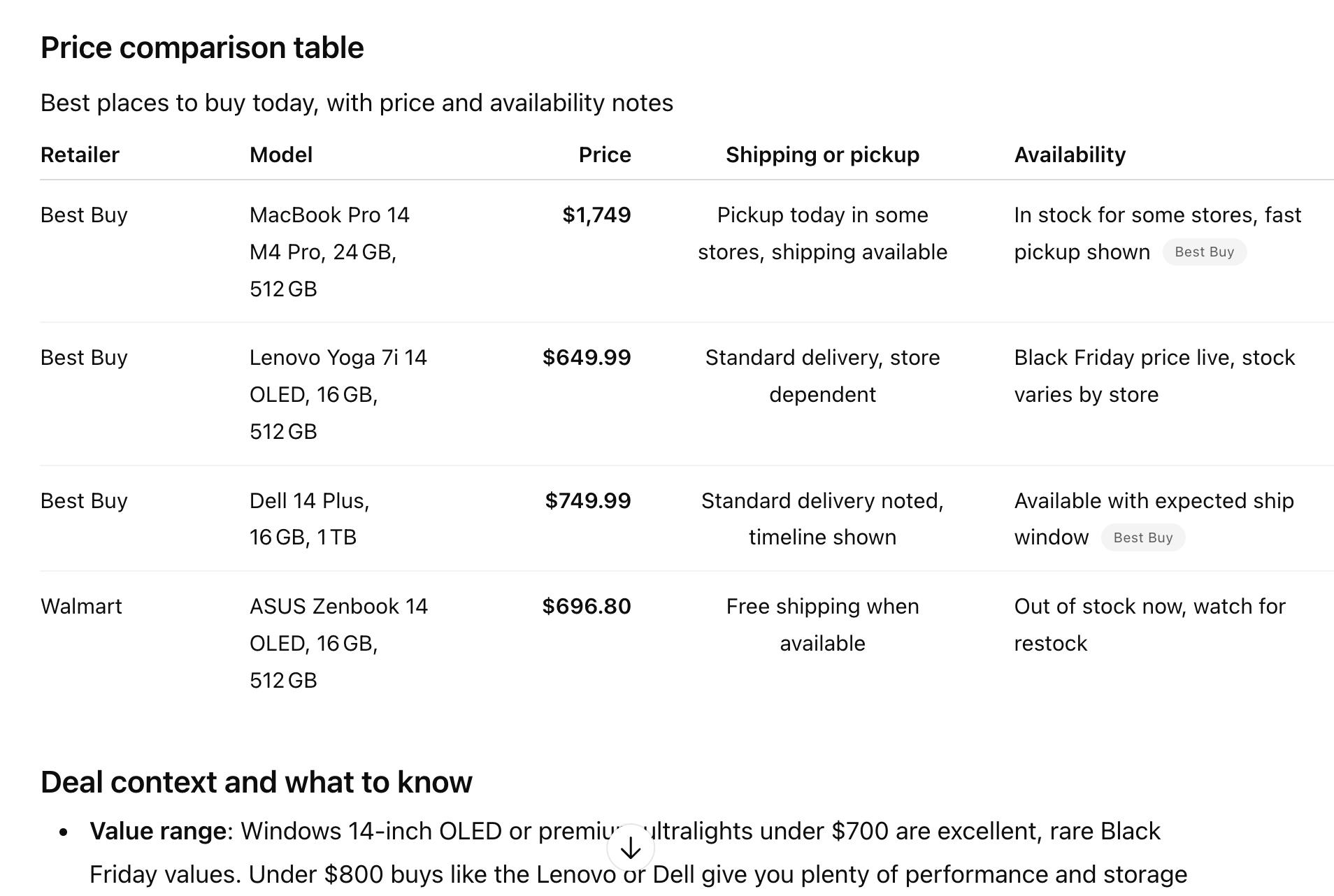
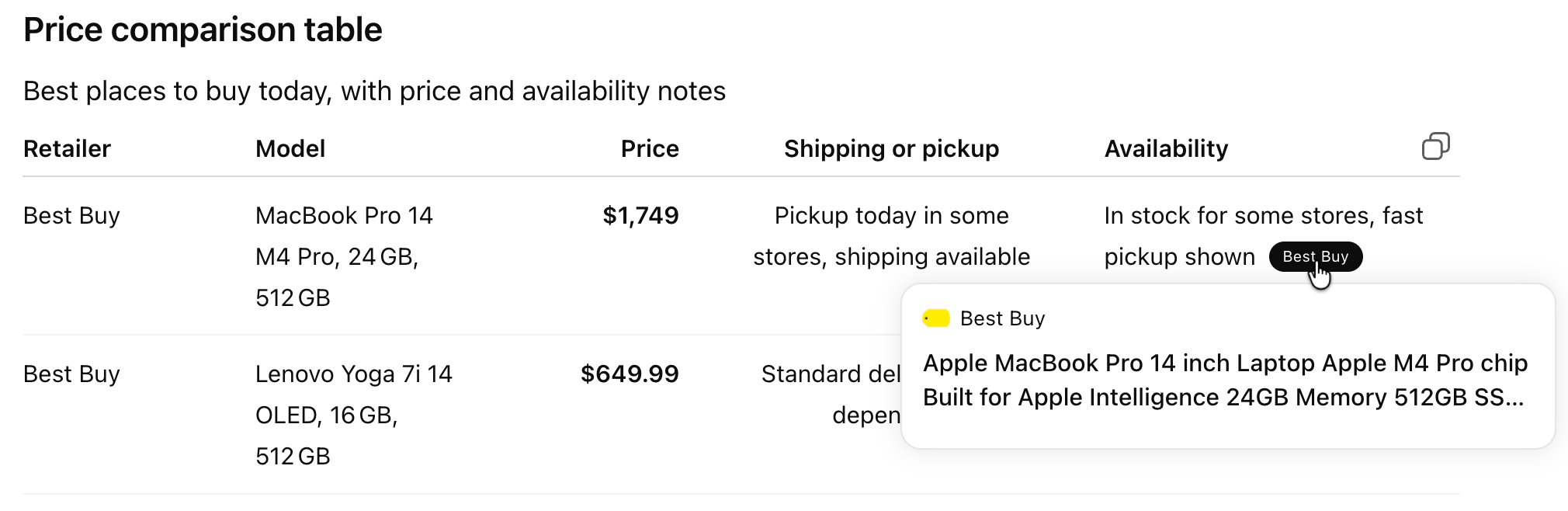
The results are excellent. It provides a comparison table and lists good deals across the web.
Step 3 - Reviewing the final product suggestions
Once ChatGPT completes the research, it gives you the:
- top overall deal,
- price comparisons across retailers, trade-offs and alternatives,
- direct links to each listing.
You can open any product to check the details or go straight to the retailer’s site. The centralized comparison is the real advantage because it saves you from spending hours checking everything by hand.
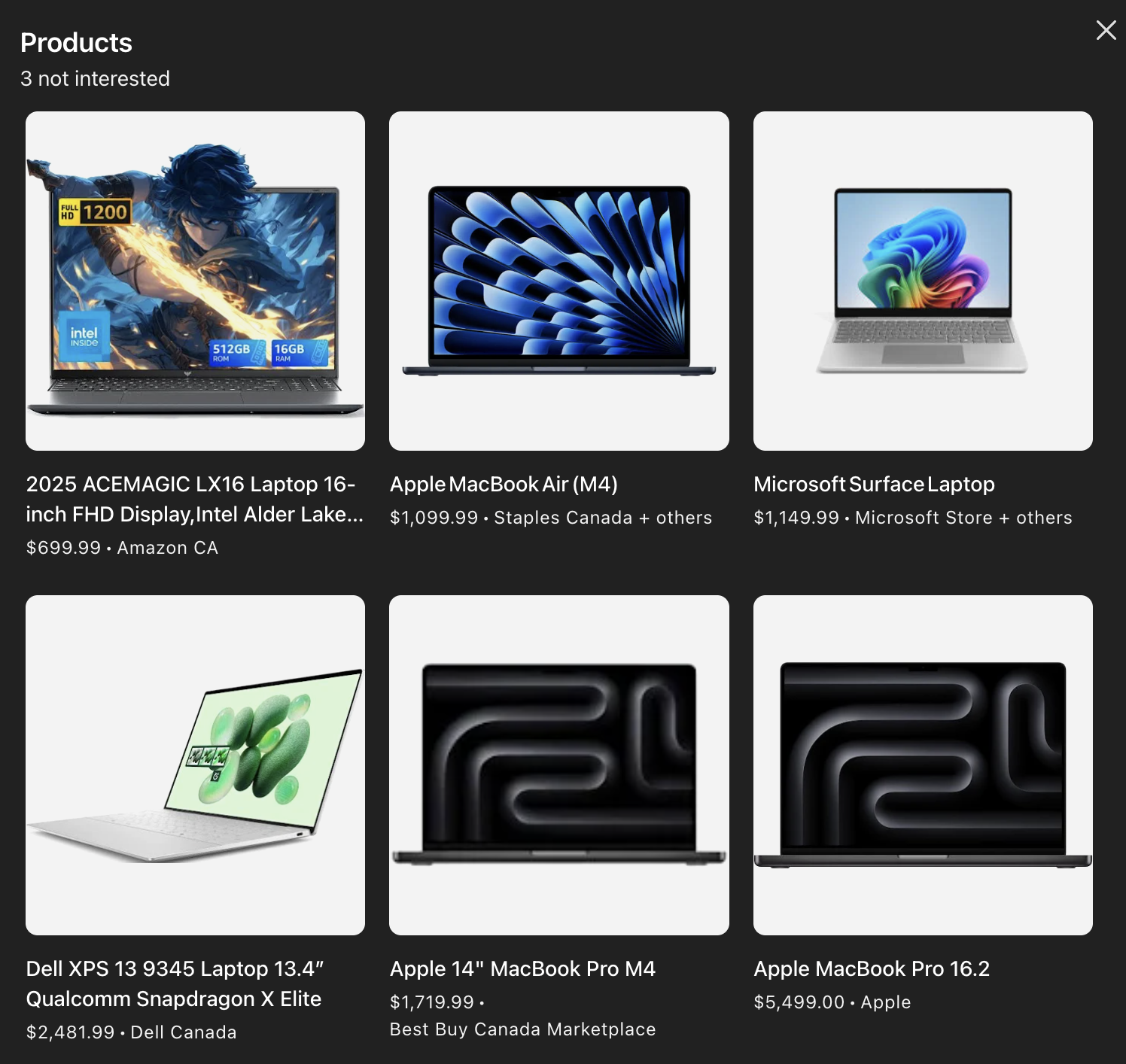
Or you click the source link in the availability column and grab the deal if it looks good.
Step 4 - Checking out by visiting the site listing
Select the product you like and visit the retailer’s site to complete the purchase.
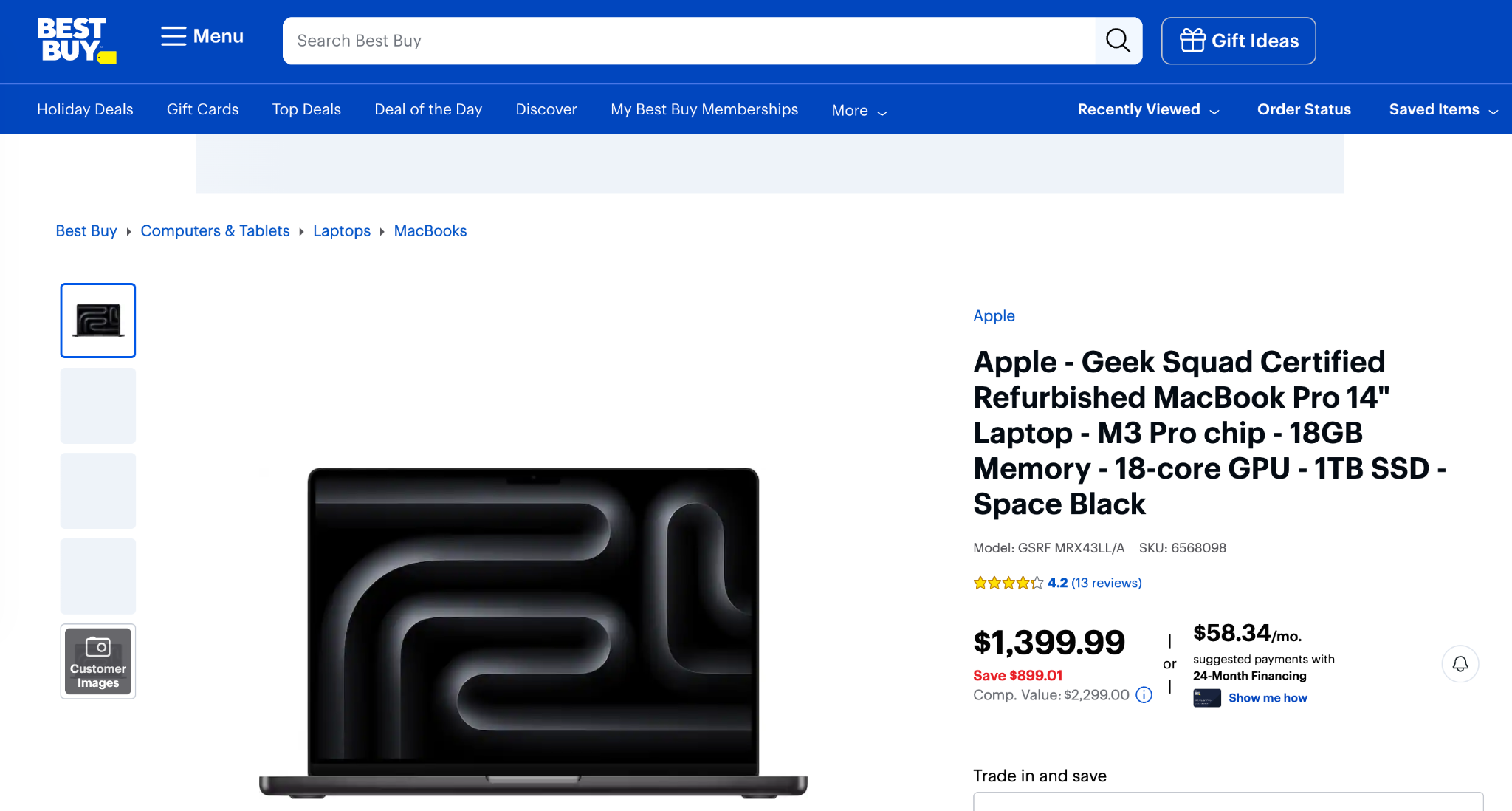
You can also refine your search by asking specific questions, such as a brand new MacBook Pro or a refurbished one.
That’s it for this tutorial, deal chasers! We are pretty sure that before long, ChatGPT will let you check out right inside the chat through tools like Stripe or PayPal, so you can buy without leaving the interface. That means it is a huge chance for businesses to focus on AI SEO and make sure their products get recommended by ChatGPT.


.avif)
