

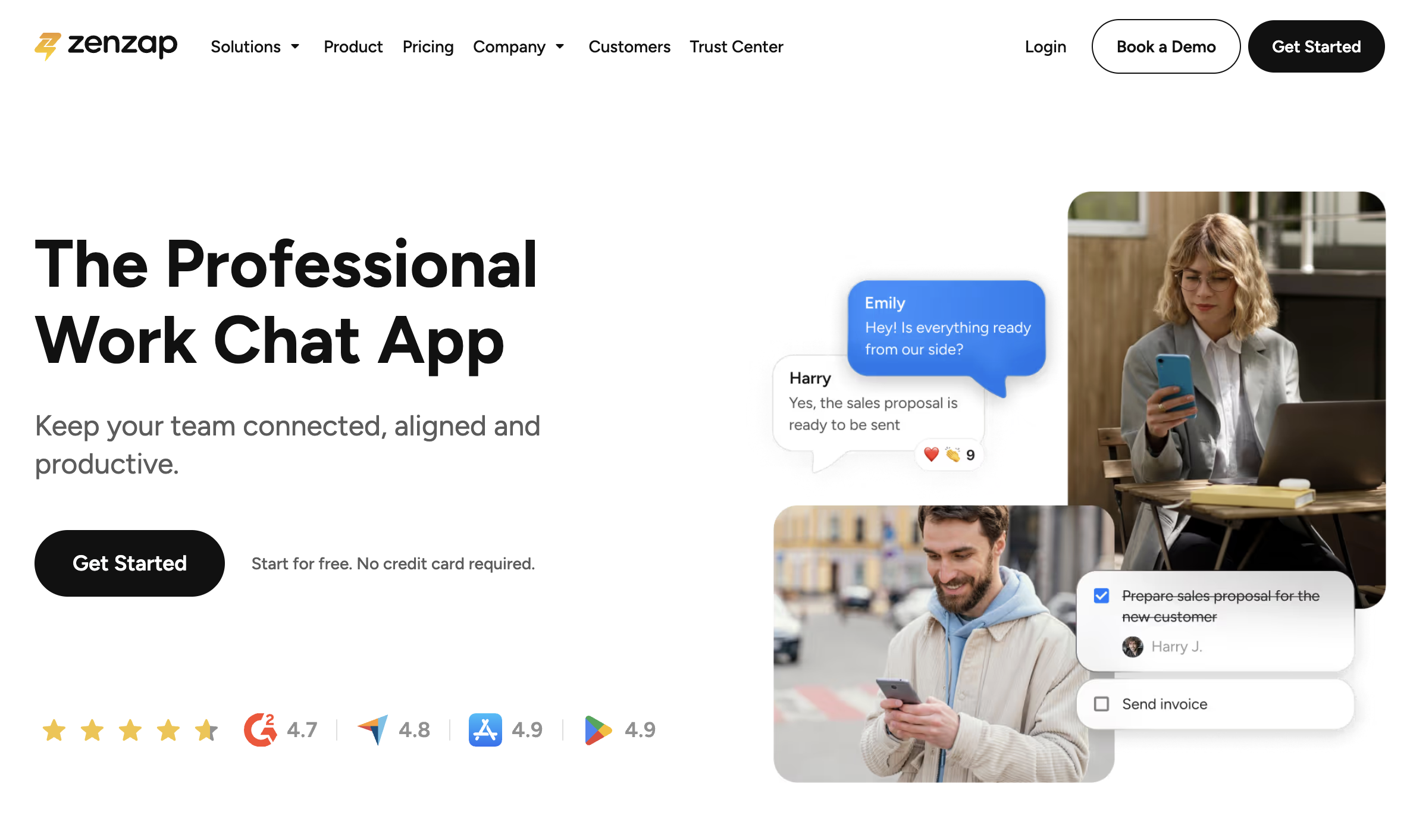

Why Zenzap Exists
Work chat was supposed to help teams move faster, yet most of us swim in endless pings, weekend notifications, and scattered to-do lists. Zenzap steps in with one clear purpose: give managers a chat space that feels as tidy as a project plan and as safe as a corporate drive, without forcing anyone to learn a brand-new language.
Instead of bolting tasks onto a consumer messenger or layering bots onto an aging channel tool, Zenzap bakes structure, ownership, and compliance right into the first message a team sends. The result is fewer “Did you see this?” follow-ups and a lot more calm confidence that nothing has slipped through the cracks.
[cta text="Start for Free — No Credit Card Required"]
Key Features
Smart Task Management
Chats convert into actionable tasks with owners and due dates in two clicks. No copy-pasting to a separate tracker, no extra software license, and no excuses when a deadline sails by. Everything remains visible in the same thread where it began, so accountability sticks.
Respect Working Hours
Zenzap’s Working-Hours Guardrails let managers set office hours across the workspace. Late-night thoughts can be scheduled for tomorrow morning, and weekend alerts stay muted unless they’re flagged urgent. That single control goes a long way toward protecting team boundaries and preventing burnout.
Enterprise-Grade Security
Every message is encrypted, stored in EU or US data centers that meet GDPR, CCPA, HIPAA, and SOC2 requirements, and scanned for malware on upload. Admins can instantly revoke access when someone leaves, keeping sensitive files off personal devices. In short, Zenzap treats chat like a first-class corporate asset, not a casual DM.
One-Click Offboarding
Offboarding usually means chasing lost laptops and resetting passwords. Zenzap turns it into a single action: click a departing user’s name, and all their sessions close, while the full chat history stays intact for audit or handover. Fast for IT, reassuring for compliance teams.
Crystal-Clear Structure
Folders, topic tags, and chat calendars keep discussions searchable—no more spelunking in a 12-month scroll. Managers can also lock down who can open new groups or invite external guests, so the workspace never balloons out of control.
[cta text="Start for Free — No Credit Card Required"]
Pricing
Zenzap refuses to play the “surprise invoice” game. You can start on the Free Forever plan—up to 20 users—and still get unlimited group chats, built-in to-dos, working-hour controls, scheduled messages, and 1 GB of secure storage.
Need more muscle? The Pro tier kicks in at a flat £19 per month (billed annually) for up to 20 seats, or £2 per user per month if you prefer straight per-seat billing. It unlocks checklist templates, advanced file-security scanning, and 100 GB of storage.
Growing teams jump to Business+ at £6 per user per month (annual). That tier opens API access, third-party integrations, unlimited storage, archiving, and an admin analytics dashboard.
Enterprises with SSO, SCIM, custom encryption keys, and dedicated CSM requirements can request a bespoke quote. The gist: Zenzap’s pricing makes it easy to predict spend whether you manage ten seats or ten thousand.
[cta text="Start for Free — No Credit Card Required"]
FAQ
Is there really a free plan?
Yes. Free Forever includes the core toolkit—task conversion, permissions, working-hour controls—without a credit card.
How does Zenzap compare to Slack or WhatsApp for work?
Slack was built for tech teams, WhatsApp for friends. Zenzap is purpose-built for professional managers: task ownership, scheduled messaging, and admin lockdown come standard.
Is my data secure?
Absolutely. Messages are encrypted in transit and at rest, files receive automatic malware scans, and the platform is audited against major compliance frameworks.
Can I migrate existing WhatsApp groups?
Yes. A built-in migration wizard imports chat history and participants, so you keep context while gaining better controls.
How long does setup take?
The average team is chatting in under five minutes. Just create a workspace, invite colleagues, and set your working hours.
Does Zenzap integrate with my calendar?
Native calendar sync lets you turn tasks into events and avoid clashes without leaving the app.
What happens when someone leaves the company?
Use One-Click Offboarding to revoke all sessions instantly. Their messages remain searchable, so knowledge stays inside the business.
Can external clients join without paying?
Guests are free. You only pay for internal team seats, keeping budgets sane for agencies and consultancies.
For managers tired of juggling consumer messengers and bloated enterprise suites, Zenzap offers a remarkably simple promise: professional chat that respects both data and downtime. If you crave quieter notifications, clearer tasks, and a workspace that feels truly under control, this might be the tool your team thanks you for all year.




.png)
