

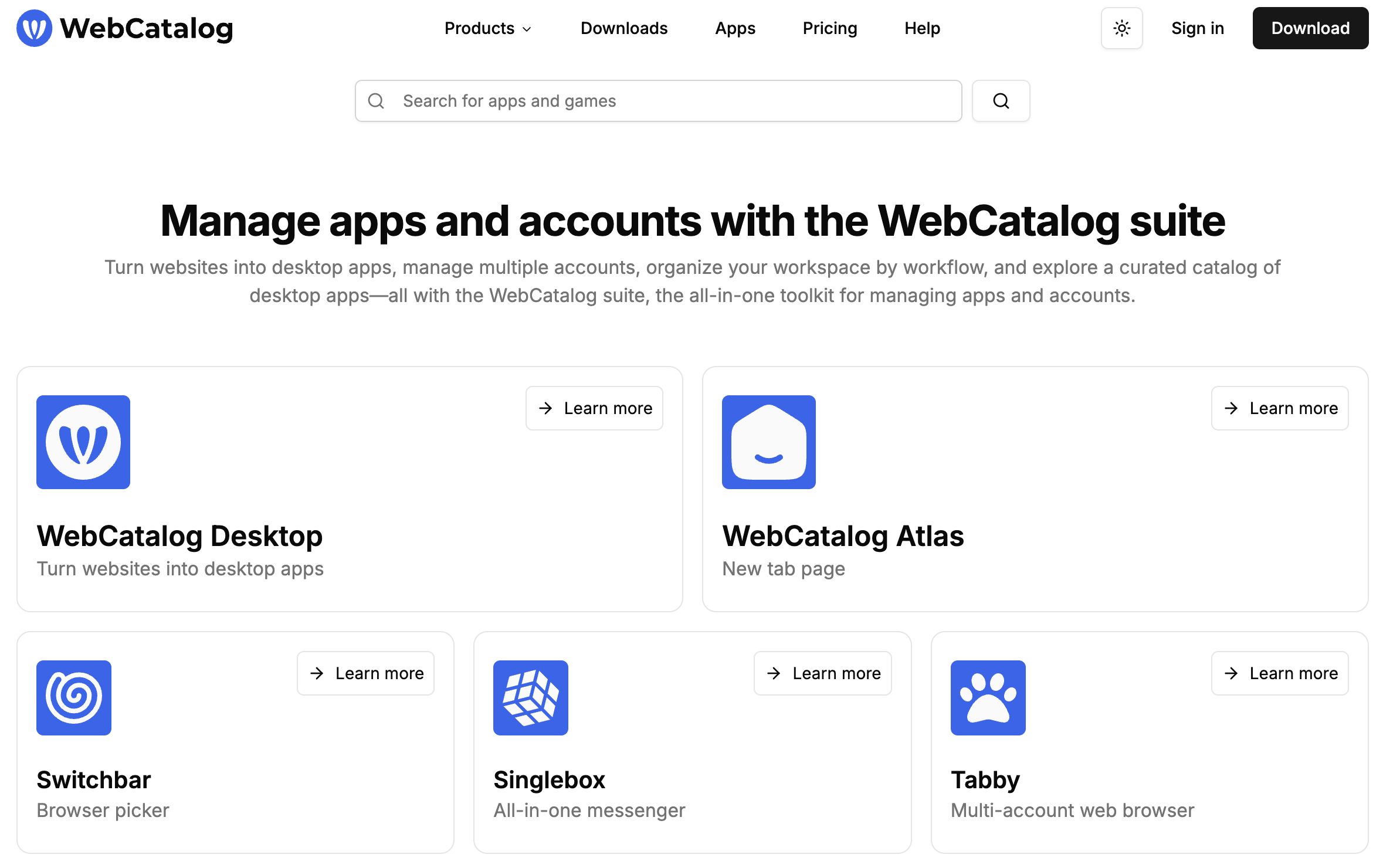

What Is WebCatalog?
Picture yourself with two browsers open, eight pinned tabs, and Slack yelling for attention. Chaos. WebCatalog fixes that by wrapping any website you love inside its own clean desktop window. Each site behaves like a native app, complete with its own icon in the dock or taskbar. No more hunting for the right tab, no more accidental log-outs when you clear cookies. Just launch the Gmail app, the Notion app, even Wordle if that is your guilty pleasure, and get back to work (or play) with zero fuss.
Behind the curtain, WebCatalog is an Electron-based shell, but the company hides the tech details so you focus on the experience. A built-in app catalog offers thousands of ready-made one-click installs, while the “Create Custom App” button lets you paste any URL and roll your own. In short, WebCatalog is a productivity multiplier disguised as a simple utility.
[cta text="Start using WebCatalog — it's free"]
Key Features
Turn Websites Into Desktop Apps
With one click, any site becomes a standalone application that lives in its own sandbox. Notifications pop up like native alerts, dock badges show unread counts, and you can pin the app to your taskbar just like Outlook or Spotify.
Spaces & Subspaces for Multi-Account Mastery
Need to juggle work and personal Gmail? Spaces act like isolated profiles, each holding its own cookies, history, and extensions. Inside a space you can add subspaces for truly separate log-ins. It feels like running multiple browsers without the memory hog.
Built-in Privacy & Ad Blocking
WebCatalog ships with Ghostery-powered lists that zap banners, video ads, and sneaky trackers. Toggle the blocker per app or per space and enjoy a quieter web. Your browsing data stays local, so nothing is phoned home.
Cloud Sync & Cross-Platform Goodness
Sign in on macOS at the office, Windows at home, and Linux on that hobby ThinkPad, then sync your apps, spaces, and settings to every device. The cloud backup is optional but lifesaving when you wipe a laptop or upgrade hardware.
Extra Power Tools
• App Lock lets you protect sensitive apps behind a password or Touch ID.
• Location Services spoof your region so you can test geo-restricted content without extra extensions.
• A dark-mode injector flips stubborn bright pages to midnight tones for healthier eyes.
[cta text="Start using WebCatalog — it's free"]
Pricing: Free Forever, Pay for Power
WebCatalog keeps onboarding friction low with a free Basic tier. You get two desktop apps, two spaces, and community support for zero dollars. Need more muscle? Pro costs $4 per month (billed yearly) and unlocks unlimited apps, unlimited spaces, ad blocking, cloud sync, and priority support. Business bumps up to $6 per user monthly and adds shared libraries plus role-based permissions. Enterprises can negotiate bespoke deals that include SAML SSO and a dedicated account manager.
FAQ
Is WebCatalog really free?
Yes. The Basic plan costs nothing and is not a time-limited trial. Upgrade only if you outgrow the two-app cap.
Does WebCatalog track my browsing?
No. Browsing history and passwords stay on your machine. The company’s revenue comes from subscriptions, not data mining.
Can I log into multiple accounts of the same service?
Absolutely. Create a space or subspace for each account and switch with a keyboard shortcut.
Which operating systems are supported?
WebCatalog runs on macOS, Windows, and Linux. Your license follows you across platforms, so you can hop between them without extra fees.
What happens if my antivirus flags an app?
Occasionally the unusual structure of a site-specific app triggers a false positive. Download only from the official site and whitelist the app in your antivirus settings if needed.
Should You Try It?
If you live in the browser, WebCatalog feels like finally sorting your desk after years of clutter. The free tier is generous, the paid upgrade is cheaper than a latte per month, and the feature list keeps expanding. Give it a spin, pick two sites you open daily, and watch your desktop feel instantly more organized.




.png)