


What is BugHerd?
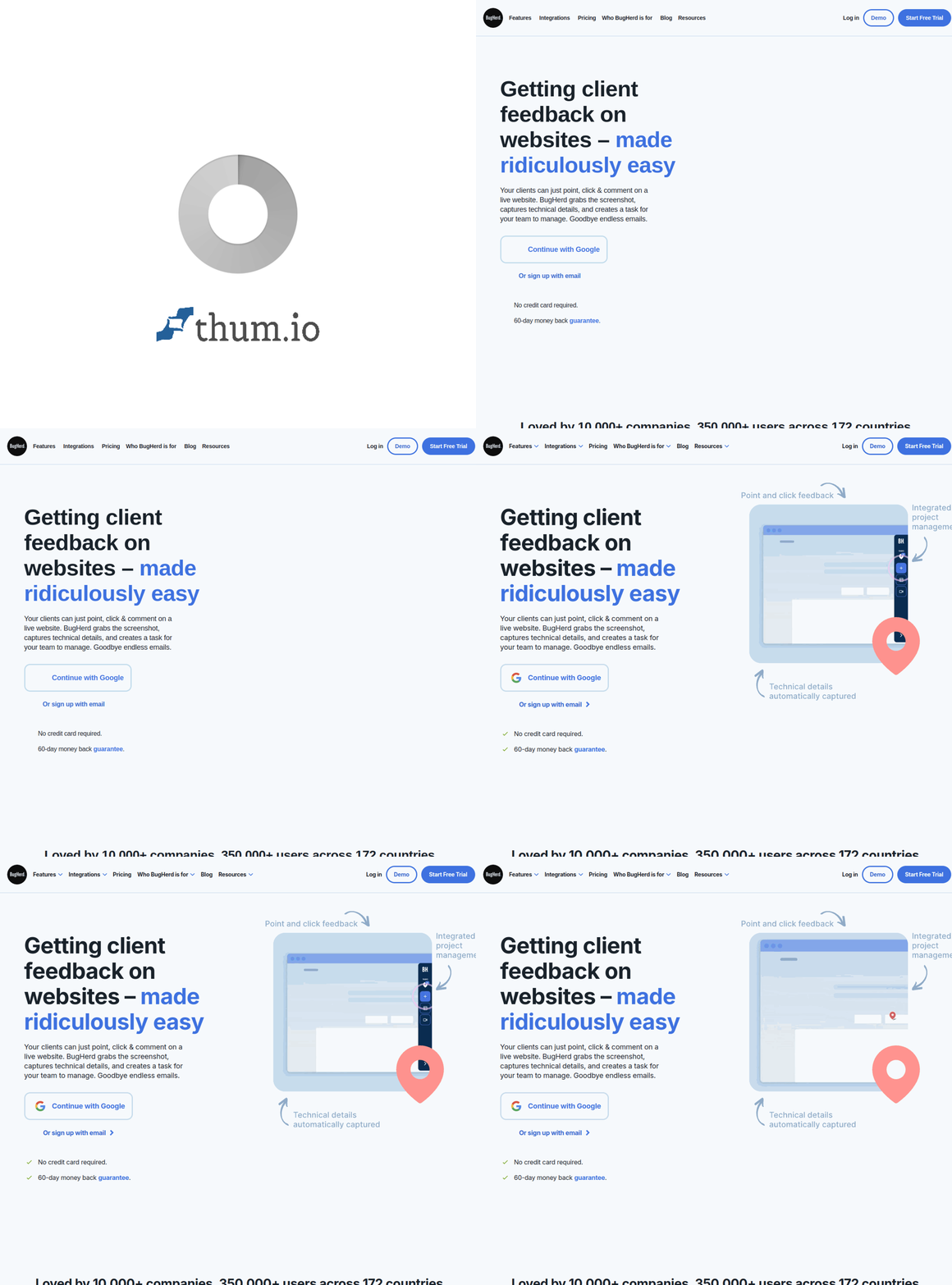
BugHerd transforms chaotic email threads and confusing screenshots into clear, actionable website feedback. This visual bug tracking tool lets anyone—clients, stakeholders, or team members—click directly on a webpage element and leave a comment that automatically captures technical details like browser, OS, and screen resolution.
Think of it as sticky notes for websites. Instead of describing where a bug appears or what's broken, reviewers simply point and click. Developers receive a complete context package: the exact location, a screenshot, and all the technical metadata needed to reproduce and fix issues quickly.
[cta text="Capture Visual Feedback Instantly"]Key Features
Point-and-Click Feedback
The core of BugHerd is elegantly simple. Install a small JavaScript snippet or browser extension, and anyone can pin feedback directly on your website. Each pin captures the element's CSS selector, the user's viewport, browser information, and an automatic screenshot—everything developers need without requiring reporters to be technical.
Kanban Task Board
Every piece of feedback becomes a trackable task on a visual Kanban-style board. Drag issues through customizable columns like Backlog, To Do, In Progress, and Done. Assign team members, set priorities, and track progress without switching between tools.
Client Portal
Give clients their own secure portal where they can view their submitted feedback, check status updates, and see resolved items. This transparency reduces "where's my fix?" emails and keeps stakeholders informed without developer interruption.
Video Feedback
Sometimes screenshots aren't enough. BugHerd allows reviewers to record short screen captures showing exactly what happens—hover states, animations, or multi-step bugs that static images can't convey. These recordings attach directly to tasks.
Guest Access
Need feedback from someone without a BugHerd account? Enable guest access and share a simple link. Reviewers can submit issues without creating accounts or learning new software, perfect for quick client reviews or user testing sessions.
Pricing
BugHerd's Standard plan starts at $39/month for 5 team members, including unlimited guests and projects. The Studio plan at $59/month supports 10 members and adds custom branding and priority support. Premium at $109/month scales to 25 members with advanced permissions and integrations.
All plans include unlimited projects, unlimited feedback, and the core point-and-click functionality. A 14-day free trial lets you test with your actual workflow before committing.
[cta text="Capture Visual Feedback Instantly"]Who Uses BugHerd?
Web agencies rely on BugHerd to collect client feedback during design reviews and QA cycles. Instead of interpreting vague emails like "the button looks wrong on my computer," they receive precise visual reports with full context.
In-house development teams use it for internal bug tracking, letting marketing or sales teams report website issues without filing formal tickets. Product managers gather stakeholder feedback on staging sites before launches.
Freelance developers streamline client communication, reducing revision cycles and misunderstandings. QA testers document bugs efficiently, with all technical details automatically captured.
Integrations
BugHerd connects with the tools your team already uses. Push tasks to ClickUp, Jira, Asana, Trello, or Monday.com. Sync with GitHub or GitLab for developer workflows. Use Zapier to connect with 3,000+ additional apps for custom automation.
Slack integration notifies your team of new feedback instantly. Webhook support enables custom integrations for enterprise workflows.
BugHerd vs Alternatives
BugHerd vs Usersnap
Usersnap offers similar visual feedback with stronger emphasis on customer feedback widgets. BugHerd focuses more on developer and agency workflows with its Kanban board and deeper project management features.
BugHerd vs Marker.io
Marker.io targets similar use cases with robust annotation tools. BugHerd's advantage lies in its mature task management system and established integrations. Both tools excel at visual feedback collection.
BugHerd vs Jira
Jira handles complex project management but lacks native visual feedback capture. Many teams use BugHerd alongside Jira—BugHerd collects and organizes website feedback, then syncs issues to Jira for engineering workflows.
Pros and Cons
Pros
- Intuitive point-and-click interface anyone can use
- Automatic technical metadata capture
- Built-in Kanban board for task management
- Guest access for easy client collaboration
- Video feedback for complex bugs
- Strong integration ecosystem
Cons
- Primarily designed for websites—limited mobile app support
- Per-seat pricing can add up for larger teams
- Advanced features require higher-tier plans
- Browser extension sometimes conflicts with complex sites
Frequently Asked Questions
Does BugHerd work with any website?
BugHerd works with most websites including those built with WordPress, Webflow, Shopify, React, Vue, and custom platforms. Sites with restrictive Content Security Policies may require configuration adjustments.
Can clients use BugHerd without training?
Yes. The interface is intentionally simple—click to create feedback, type a comment, submit. Most users understand the basics within minutes. Video tutorials and in-app guidance help with advanced features.
Is feedback visible to website visitors?
No. The BugHerd sidebar only appears for logged-in team members or guests with access. Regular website visitors see nothing unless you explicitly enable public feedback collection.
How does BugHerd compare to email feedback?
Email lacks context. "The form is broken" becomes a detective hunt. BugHerd captures exactly what element was clicked, what the user saw, their browser, screen size, and an automatic screenshot—eliminating back-and-forth clarification.
[cta text="Capture Visual Feedback Instantly"]Final Verdict
BugHerd solves a genuine pain point for web teams: collecting clear, actionable website feedback without technical overhead for reviewers. The point-and-click interface requires no training, while automatic metadata capture gives developers everything they need to reproduce and fix issues.
For agencies managing multiple client projects or teams tired of interpreting vague bug reports, BugHerd delivers immediate time savings. The built-in task management keeps everything organized without requiring additional project management tools.
Rating: 4.5/5





.png)